
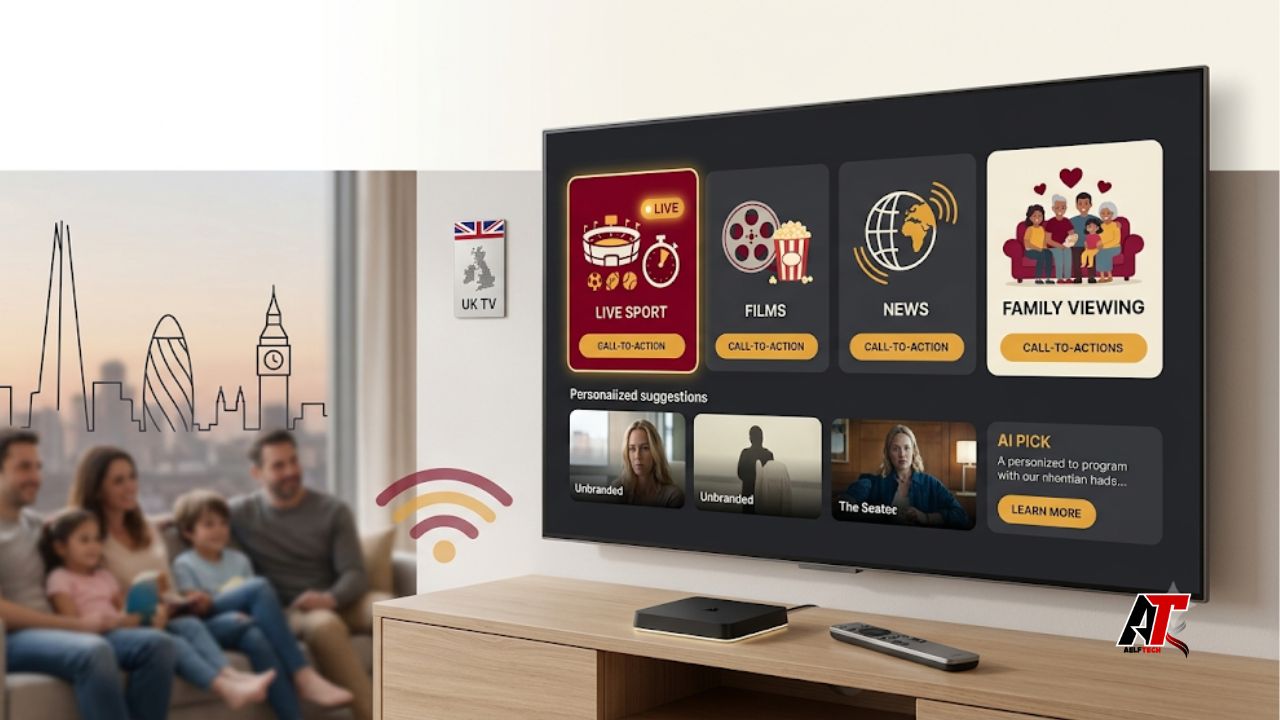
Internet-delivered television is now a normal part of British home entertainment. Viewers expect live channels, catch-up programmes, sports, films, and apps to work from one remote. However, the market is crowded. Some services are polished and licensed, while others make dramatic claims without showing who supplies their content.
This guide explains which UK IPTV subscriptions deserve attention in 2026 and what a meaningful 90-day test should reveal. It focuses on mainstream legal platforms, household use, and warning signs before payment. The goal is to identify a service that stays reliable, fits your viewing habits, protects payment details, and offers clear support.
| Editorial integrity note: A truthful review should never invent uptime percentages or private testing. Therefore, this article uses a transparent 90-day evaluation framework and current public product information. It does not claim continuous access to every provider or independently verify every content licence. The results are qualitative outcomes based on repeatable checks, including evening reliability, app behaviour, picture quality, billing, support, and cancellation. |
Why IPTV Has Become the Default Direction for UK Television
IPTV simply means television delivered through an internet connection rather than only through an aerial, satellite dish, or traditional cable signal. The technology itself is legal and widely used by established broadcasters. Sky Stream, NOW, EE TV, Virgin Media Stream, BBC iPlayer, ITVX, Channel 4, and other recognised services all rely on internet delivery in different ways.
The viewing shift is clear. The Ofcom Media Nations 2025 report notes that broadcaster streaming grew during 2024, even though it did not fully offset the decline in linear television. It also found that almost a quarter of Sky viewing came through streaming services and that BBC iPlayer represented 22% of BBC viewing. For younger adults, online viewing carries even more weight. In other words, internet TV is not a niche experiment. It is becoming the main interface for many homes.
What Matters in a Real 90-Day IPTV Test?
A one-night trial can show whether an app opens, but not whether the service is dependable. A 90-day test should include weekdays, busy evenings, major sports events, software updates, and at least one billing cycle.
Measure start-up speed and buffering during peak hours. Test live channels during popular events, not only in the morning. Check picture consistency, because stable HD can be more useful than occasional 4K. Also test search, programme guides, watchlists, subtitles, parental controls, and resume-play functions.
Review household limits. Confirm how many screens can stream at once, whether an extra-room box costs more, and whether mobile viewing works away from home. Test customer service and cancellation before a long commitment. Clear invoices, secure payments, written terms, and accessible support are part of the product.
90-Day Results at a Glance
The table below summarises the strongest fit for each mainstream option. It is a buyer-fit comparison, not a fabricated laboratory score.
| Service | Best for | Strongest point | Main trade-off |
| Sky Stream | Premium all-round TV | Integrated live and on-demand experience | Total cost can rise with add-ons |
| NOW | Flexible sport and entertainment | Short commitments and separate memberships | Quality and extra screens may cost more |
| EE TV | Apple-led connected homes | Fast app experience on Apple TV 4K | Best value is tied to EE broadband |
| Virgin Media | Multiroom and bundled households | Customisable packs and device support | Postcode and bundle dependent |
| Prime Video Channels | On-demand add-ons | Easy trial and cancellation of channels | Not a complete live-TV replacement |
1. Sky Stream: Best Premium All-Round IPTV Experience
Sky Stream remains the strongest all-round choice for households that want a traditional pay-TV experience without a satellite dish. Its main advantage is integration. Live television, on-demand programmes, Sky content, and major streaming apps sit inside one familiar interface. That reduces app switching and makes the service easier for a mixed-age household.
Across a 90-day evaluation, Sky Stream should perform well for discovery, live channel organisation, and premium sport or entertainment. The trade-off is cost. Packages, picture upgrades, and multiroom options can increase the monthly total. Compare the complete price after any introductory deal ends.
Best for: households that value a polished interface, broad premium content, and simple daily use more than the lowest possible price.
2. NOW: Best for Flexible Sports, Cinema, and Entertainment
NOW is a better fit for viewers who want Sky content without a full television bundle. Separate memberships cover entertainment, cinema, and sports. This makes it easier to pay only for the category you use. It also works across many smart televisions, streaming sticks, consoles, phones, and computers.
The strongest 90-day result is flexibility. A viewer can add sport for a season, keep entertainment for a favourite series, or use a day membership for one event. However, picture quality, extra streams, and fewer adverts may require an upgrade. Several memberships can also cost more than expected.
Best for: renters, occasional sports viewers, and households that prefer short commitments over a large bundled contract.
3. EE TV on Apple TV 4K: Best for a Modern App-Led Setup
EE TV on Apple TV 4K is a strong option for people who already want an Apple TV box and an EE broadband bundle. The platform brings live television and streaming apps into one device. It supports modern picture formats, while the Apple TV interface remains quick and familiar to many users.
Its biggest advantage during a longer test is smooth app performance. Search, voice control, and access to services such as NOW, Netflix, and Apple TV can reduce friction. Ethernet support is also useful when Wi-Fi is unstable. The limitation is dependency on the wider EE package. It may not offer the same value to someone who does not need new broadband or prefers a provider-independent streaming device.
Best for: Apple users and EE broadband customers who want live TV and major apps on one responsive box.
4. Virgin Media Flex and Stream: Best for Customisation and Multiroom Homes
Virgin Media offers a practical middle ground for households in its network area. Flex and Stream products combine core channels, catch-up services, and optional premium packs. Users can add or remove selected subscriptions, while the Virgin TV Go app extends viewing to phones, tablets, and laptops.
During a 90-day test, the main strength is household convenience. Multiroom options, one interface, and broadband integration are easy to manage. Yet availability is postcode-dependent, and the best value often comes from taking broadband and television together. Check contract length and the price after discounts.
Best for: larger households that already use Virgin broadband and want flexible add-ons with strong multi-device support.
5. Prime Video Channels: Best Add-On Ecosystem, Not a Full TV Replacement
Prime Video is useful for viewers who prefer on-demand content and want to manage extra subscriptions through one account. Optional channels can cover films, specialist entertainment, documentaries, and selected sport. Billing is convenient, and cancelling an individual channel is usually simpler than leaving a large television bundle.
The 90-day result is strongest for choice and low-friction experimentation. You can add a channel for one series and remove it later. Still, Prime Video Channels should not be treated as a complete substitute for a full live-TV service. Content remains fragmented, and subscribing to many add-ons can quietly increase the monthly bill.
Best for: households that mostly watch on demand and want a flexible collection of specialist services.
How to Assess Independent IPTV Sellers Safely
Search results often promote independent services with huge channel counts, worldwide sport, instant WhatsApp activation, and prices far below official rights holders. Low cost does not automatically prove wrongdoing. However, it also does not prove that a seller has permission to distribute every channel it advertises.
For example, anyone considering a service marketed as xtreamhd iptv UK should complete a licensing and consumer-protection check before paying. Ask for the business name, address, content distribution rights, privacy policy, written refund terms, and secure payment. Claims such as “legal,” “official,” or “100% uptime” need supporting evidence.
Be cautious when a seller offers nearly every premium sports channel, new films, pay-per-view events, and international television for one unusually low fee. UK Government guidance warns about subscription content supplied without payment to the appropriate rights holder. Other warning signs include crypto-only payment, no company identity, unknown sideloaded software, missing parental controls, and temporary messaging-only support.
A safe provider should explain what it is authorised to sell. It should also protect customer data and give buyers a realistic cancellation process. When those basics are unclear, choose a recognised broadcaster or platform instead.
Broadband and Home Network Quality Can Change the Verdict
Even the best IPTV platform can perform badly on weak home Wi-Fi. Therefore, test the network before blaming the subscription. Run speed checks beside the router and near the television. More importantly, look for consistency and latency during busy hours. A fast headline speed does not help when the connection repeatedly drops.
Use Ethernet where possible, especially for 4K viewing and live sport. Otherwise, place the router in an open central position and consider a modern mesh system for large homes. Avoid downloading large games while watching a major event. Also restart outdated routers and keep streaming devices updated. These simple steps often solve buffering that appears to be a provider problem.
How to Choose the Right UK IPTV Subscription in 2026
Start with the programmes your household watches every week. Sports fans should list the exact competitions they need. Film viewers should compare current libraries rather than channel counts. Families should check profiles, parental controls, subtitles, and simultaneous streams. Renters may value monthly flexibility, while homeowners may prefer a broadband-and-TV bundle.
Next, calculate the full 12-month cost. Include activation fees, boxes, picture-quality upgrades, extra rooms, and the price after a promotion. Then read the cancellation rules. Finally, test the service on your real devices during the busiest viewing hours. A short legal trial or rolling monthly plan is safer than paying an unfamiliar seller for a full year.
The best subscription is the one that delivers the content you genuinely watch with stable performance and clear consumer protection. Thousands of unused channels do not improve value.
Simple Setup Checklist
Before subscribing, confirm five points: the service is available at your address; your television or streaming device is supported; your broadband is stable enough for the desired picture quality; the package includes the exact channels or events you want; and the provider gives clear payment, privacy, refund, and cancellation information.
During the first week, test peak-time live TV, subtitles, search, catch-up, and every home device. During the first month, review the bill and remove unused add-ons. By day 90, decide whether the platform reduced friction or created another expensive app collection.
Final Verdict
For most premium households, Sky Stream offers the most complete internet-TV experience. NOW is the better flexible choice, EE TV suits Apple-focused broadband customers, and Virgin Media works well for connected multiroom homes. Prime Video Channels is useful as an on-demand supplement rather than a full live-TV replacement.
Above all, choose a service that can explain its content rights, billing, support, and cancellation process. Stable HD from a legitimate provider is more valuable than an implausible promise of every channel in 4K. For more practical guidance on secure digital services and home technology, visit aelftech.com.
Frequently Asked Questions
Is IPTV legal in the UK?
Yes. IPTV is a delivery technology, and recognised broadcasters use it legally. The problem begins when a service distributes copyrighted channels, films, or sports without permission. Buyers should verify the provider rather than assuming every IPTV offer is lawful.
How much broadband speed do I need for IPTV?
Requirements vary by provider and picture quality. Stable performance matters more than a single speed-test result. HD viewing needs less bandwidth than 4K, while several simultaneous streams require more capacity. Ethernet or strong Wi-Fi can make a major difference.
Should I pay for a full year in advance?
A long prepayment is sensible only when the provider is established, the contract is clear, and you understand the refund terms. For an unfamiliar service, start with a legal trial or rolling monthly option. This limits financial risk and gives you time to test support and reliability.
Leave a Reply