
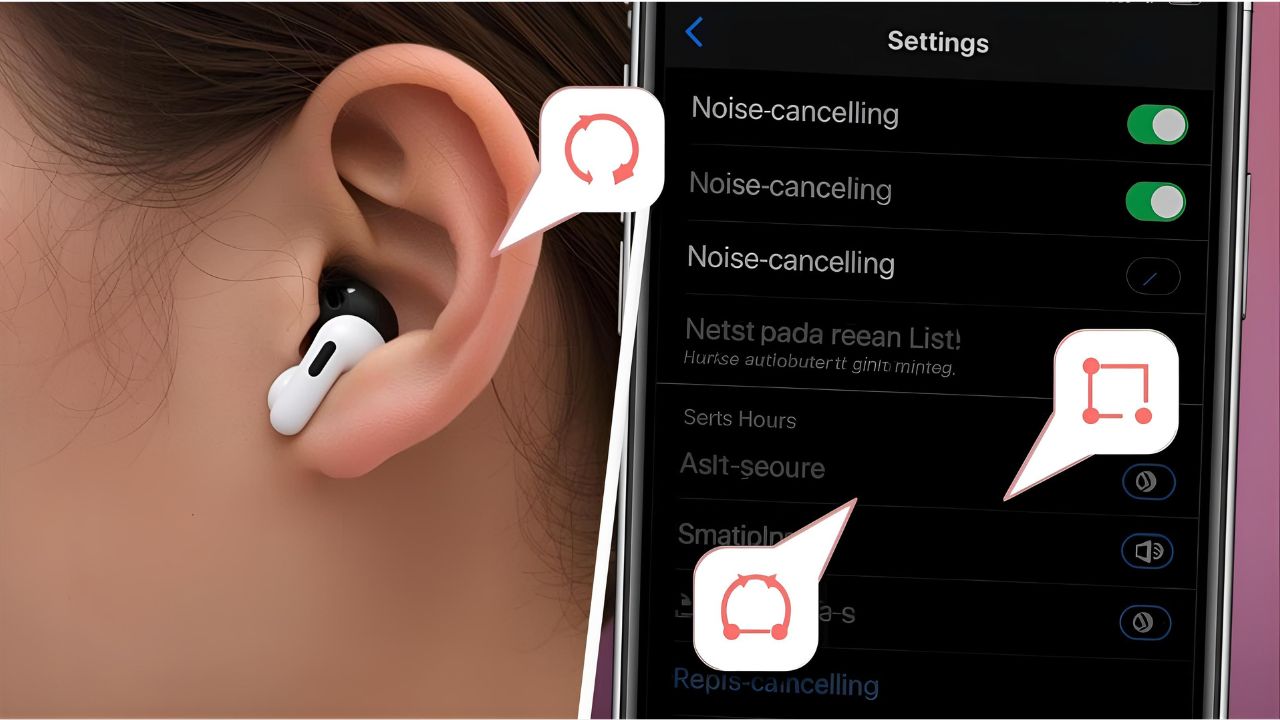
If you’ve ever wondered how to turn on noise cancelling on AirPods 2, it’s important to know the difference between AirPods models. Apple’s standard AirPods 2 (2nd generation) do not include Active Noise Cancellation (ANC). That feature is available only on the AirPods Pro and AirPods Max.
However, AirPods 2 still offer passive noise isolation thanks to their in-ear design, and you can enhance sound clarity by adjusting your device’s audio settings. In this article, we’ll clarify the noise cancellation options, explain what you can and cannot do with AirPods 2, and provide tips for better sound.
Do AirPods 2 Have Noise Cancelling?
The short answer: No, AirPods 2 do not have Active Noise Cancelling.
- AirPods 2: Standard wireless earbuds without ANC.
- AirPods Pro / Max: These models feature true ANC and Transparency Mode.
If you’re trying to use ANC with AirPods 2, you won’t find the option in your Bluetooth settings. But don’t worry—there are still ways to reduce outside noise for a better listening experience.
How to Improve Noise Reduction on AirPods 2
Even though AirPods 2 don’t have active noise cancelling, you can:
- Ensure a Proper Fit
- Adjust the earbuds so they sit snugly in your ears.
- Use ear hooks or covers for a tighter seal to block external sounds.
- Adjust Audio Settings
- On your iPhone, go to Settings > Accessibility > Audio/Visual.
- Use the “Headphone Accommodations” to amplify sound clarity.
- Use Volume and Equalizer Controls
- In Settings > Music > EQ, select presets like “Bass Booster” or “Loudness” to improve audio quality.
- Choose Quiet Environments
- Since there’s no ANC, listening in quieter areas naturally improves the sound.
Alternative: Using AirPods Pro for Noise Cancelling
If your goal is true ANC, you’ll need to upgrade to AirPods Pro or AirPods Max. With these, you can:
- Turn on Noise Cancelling: Press and hold the force sensor on the stem until you hear a chime.
- Check in Settings: Go to Bluetooth > AirPods Pro > Noise Control, then select Noise Cancellation.
FAQs About Noise Cancelling on AirPods 2
Q1: Do AirPods 2 have noise cancelling?
No, AirPods 2 don’t include Active Noise Cancelling. Only AirPods Pro and AirPods Max offer ANC.
Q2: Can I turn on noise cancelling through iPhone settings with AirPods 2?
No, the setting will not appear because the hardware doesn’t support it.
Q3: How can I make AirPods 2 block noise better?
Use a snug fit, adjust audio settings, and listen in quieter environments.
Q4: Should I upgrade to AirPods Pro for noise cancellation?
Yes, if ANC is important to you, AirPods Pro or Max are the best choices.
Q5: What’s the main difference between AirPods 2 and AirPods Pro?
AirPods Pro include ANC, Transparency Mode, and silicone tips for a customizable fit.
Final Thoughts
To summarize, if you’re searching how to turn on noise cancelling on AirPods 2, the answer is that this model doesn’t have ANC. Still, you can improve your listening experience by ensuring a good fit and adjusting sound settings. If you want true noise cancellation, consider upgrading to AirPods Pro or AirPods Max.
Leave a Reply