
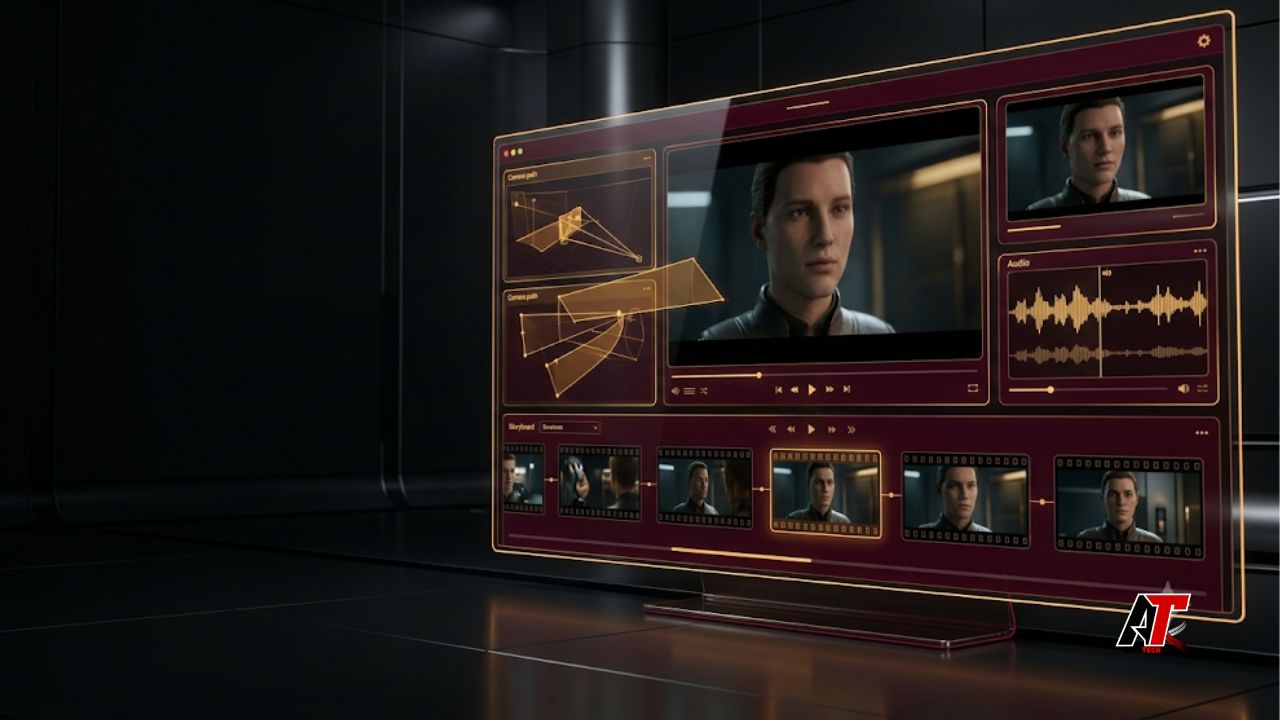
AI video creation is changing fast. Creators once had to build short silent clips and edit them by hand. Now, Higgsfield gives users access to Kling 3.0 in a more complete creative workspace. The model can plan several shots, generate matching audio, guide camera movement, and keep subjects more consistent. As a result, a single prompt can produce a video that feels closer to a directed scene.
The title calls Kling 3.0 a powerful SOTA video model. SOTA means state of the art. However, that label should not be treated as a permanent ranking. AI tools improve every month, and results still depend on the prompt, reference files, and creative goal. Even so, Kling 3.0 belongs in the leading group because it combines several advanced features in one system.
This guide explains what the Higgsfield Kling 3.0 workflow offers. It also covers its main features, best use cases, prompt tips, limits, and safety checks. Therefore, marketers, filmmakers, agencies, educators, and independent creators can decide where the model fits in their production process.
What Is Higgsfield Kling 3.0?
Higgsfield is an AI creative platform for image and video production. It places generation tools, visual references, camera controls, and cinema-focused options inside one interface. Therefore, creators can move from a basic concept to a polished test clip without switching between many unrelated applications.
Kling 3.0 is a multimodal video model. In simple terms, it can understand several types of creative input at the same time. A user may provide text, an image, a planned shot order, dialogue, or sound directions. The model then uses those details to create a connected audiovisual sequence rather than a group of isolated frames.
Why Kling 3.0 Marks a New Era for AI Video
Earlier AI video tools often created impressive individual moments. However, they could lose the face, clothing, object shape, or background after a few seconds. Audio usually came from another tool. As a result, creators spent extra time repairing continuity and matching sound to the final motion.
Kling 3.0 takes a more connected approach. It treats the clip as a sequence with a beginning, middle, and end. It can also link camera changes to the same subject and scene. Therefore, creators can plan a short narrative instead of hoping that one broad prompt produces a useful result.
The longer generation window is also important. A clip of up to 15 seconds can include an opening view, a product action, a reaction, and a closing frame. That length still does not replace a full commercial. Nevertheless, it works well for social ads, teasers, visual tests, and branded micro-stories.
Core Features That Make the Model Stand Out
Native Audio and Multilingual Dialogue
One major upgrade is native audio generation. The model can create dialogue, ambience, and sound effects with the video. Therefore, footsteps can match visible movement, environmental sound can support the location, and spoken lines can follow the action more closely.
This process is faster than building every audio layer later. It also helps creators judge the full mood of a scene. For example, a product reveal may need a soft mechanical sound, a short voiceover, and quiet room tone. Hearing those elements together makes the first draft easier to review.
The model supports several major languages and selected accents. In addition, users can plan scenes with more than one speaker. Pronunciation and emotion may still need checking. However, the feature can speed up localized campaign tests, character scenes, tutorials, and dialogue-led advertisements.
Multi-Shot Storyboarding and Camera Direction
Kling 3.0 can organize several camera cuts inside one generated sequence. A creator can describe each shot, set its purpose, and guide the camera movement. As a result, prompt writing starts to feel like a compact storyboard or shot list.
For example, a product video may open with a wide view. Next, the camera can move toward the product. Then, a close-up can show a hand using it. Finally, the clip can end on a clean hero frame. This structure gives the model clear visual priorities.
Creators can use familiar directions such as slow dolly-in, overhead reveal, smooth orbit, handheld follow, or locked close-up. However, every shot should serve the message. Too many movements can make a short video feel busy and reduce product clarity.
Stronger Product, Subject, and Character Consistency
Consistency is vital when a clip includes a person, product, package, mascot, vehicle, or branded object. Kling 3.0 can use visual references to protect important details across camera changes. Therefore, the subject has a better chance of keeping the same shape, clothing, color, and overall identity.
This improvement is useful for e-commerce and advertising. A product should not change material or size during motion. In addition, package details should stay in the correct place. Better reference control can reduce these errors and make the output easier to use.
Still, no AI model guarantees perfect consistency. Logos, prices, labels, and legal text need close inspection. If exact wording matters, add it during professional editing instead of trusting every generated frame. This extra step protects accuracy and brand quality.
Physics-Aware Motion and Longer Coherent Clips
Believable motion is another key improvement. Hair, clothing, liquid, vehicles, and body weight should react to force and gravity. When these details look wrong, viewers notice the problem quickly. Therefore, better physical behavior can make even a simple scene feel more convincing.
Longer clips create a harder test. The model must hold the same lighting, subject, object position, and movement over more time. Kling 3.0 aims to reduce this temporal drift. As a result, users can create longer takes or several connected beats with fewer separate generations.
However, complex action can still produce mistakes. Fast contact, crowded scenes, detailed hands, or several moving objects may need more attempts. A clear prompt and a strong reference image usually improve the result.
How Higgsfield Improves the Kling 3.0 Workflow
A strong model is only one part of the process. Higgsfield adds a wider creative workspace around Kling 3.0. Its camera tools, visual references, canvas features, and cinema-focused options help users shape the idea before generation. Therefore, testing different directions becomes more organized.
The workflow can begin with text or a reference image. First, define the subject and the goal. Next, describe the setting, action, lighting, camera, and sound. For a multi-shot clip, divide the idea into clear beats. Each beat should have one main purpose.
Start-frame and end-frame guidance can also improve control. The first frame establishes the visual starting point. Meanwhile, the final frame tells the model where the movement should finish. This approach can help with product reveals, transitions, and planned closing shots.
The Kling 3.0 workflow can support fast experiments, but creators should save useful prompts and settings. A simple prompt library makes successful ideas easier to repeat. It also helps teams compare versions and learn from failed generations.
Best Use Cases for Creators, Brands, and Agencies
Higgsfield Kling 3.0 works best when a project needs cinematic movement but does not require a full traditional shoot. Social media teams can create vertical videos, campaign teasers, character posts, and product demonstrations. Because sound is included, the team can review a more complete concept.
E-commerce brands can turn a product image into a short visual story. For example, the camera can move across the product, show a feature in use, and finish with a clean branded frame. However, exact packaging text should still be added or checked during editing.
Agencies can generate several campaign directions before presenting an idea to a client. This saves time during early planning. In addition, filmmakers can use the model for previsualization. They can test shot order, camera movement, lighting, and scene rhythm before production begins.
Educators and trainers can also create short explanations or scenario examples. Meanwhile, small businesses can produce simple promotional concepts without a large crew. For more practical AI publishing guidance, readers can explore team aelftech.com.
A Practical Prompting Workflow for Better Results
Good output starts with a clear goal. Do not begin by listing random effects. Instead, decide what the viewer should understand, feel, or do after watching the clip. Then build the prompt around that result.
- Define one main objective, such as explaining a feature or creating desire.
- Describe the subject with the same words in every shot.
- Set the location, time of day, lighting, and visual mood.
- Plan the shot order and give each shot one clear action.
- Add camera movement only when it supports the story.
- Place dialogue and sound directions beside the action they match.
For example, do not write only, ‘Make a cinematic product ad.’ A better prompt names the product, audience, scene, action, shot order, lighting, sound, and final frame. This detail gives the model a production brief instead of a vague request.
After generation, review the clip in stages. First, check the subject and product. Next, review motion and camera behavior. Then, listen to the sound and dialogue. Finally, check text, claims, branding, and the closing frame. This process makes revisions faster and more focused.
Responsible Use, Limitations, and Commercial Checks
Advanced AI video can still make errors. A realistic scene may contain false details, broken objects, or misleading actions. Dialogue may use the wrong tone or pronounce a name incorrectly. Therefore, every commercial video needs human review before publication.
Creators must also respect privacy, consent, copyright, and publicity rights. Do not copy a real person’s face or voice without permission. In addition, avoid protected characters, music, logos, or creative assets unless you have the required rights.
Advertising claims need special care. A generated product demo should not show a result that the real product cannot achieve. Likewise, spoken claims must follow the rules of the platform and target market. Human review protects both the audience and the brand.
Finally, check the platform’s current plan limits and commercial terms. Features, credits, processing priority, and usage rights may change. A quick terms review is essential before a large client project.
How Kling 3.0 Compares With a Traditional AI Video Pipeline
A traditional AI workflow may use one tool for images, another for motion, a voice generator, a sound library, and a separate editor. This setup can offer deep control. However, it also creates more steps and more chances for visual and audio elements to fall out of sync.
Kling 3.0 reduces some of that fragmentation. It can combine shot planning, references, motion, dialogue, and sound in a more unified process. Therefore, the first output may feel closer to an editable draft than a silent test clip.
Professional editing is still important. Editors improve pacing, color, sound balance, captions, continuity, and brand accuracy. The model does not remove their role. Instead, it changes the point where editing begins and gives the team more material to evaluate.
The Future of AI-Directed Video Creation
Kling 3.0 shows where AI video is heading. The next stage is not only sharper images. It is better control over sequences, subjects, sound, camera choices, and revisions. As a result, these systems are starting to act more like creative production environments.
Conclusion
Higgsfield gives creators a practical way to access Kling 3.0. The model combines native audio, multilingual dialogue, multi-shot direction, stronger reference consistency, longer clips, and more believable motion. Therefore, it can support more structured video concepts than many earlier one-shot tools.
Its main value is faster creative development. Brands and creators can test complete audiovisual ideas before committing to a larger production. However, the best results still require clear prompts, careful review, legal awareness, and professional editing. Used responsibly, Higgsfield Kling 3.0 can become a useful bridge between an early idea and a polished video.
Frequently Asked Questions
Is Kling 3.0 available on Higgsfield?
Yes. Higgsfield provides access to Kling 3.0 through its AI video workflow. However, plan features, credits, processing times, and generation limits may change.
How long can Kling 3.0 videos be?
Kling 3.0 can support clips up to 15 seconds in relevant workflows. That time can include several connected shots or one longer camera move.
Can Kling 3.0 generate sound and dialogue?
Yes. It can generate dialogue, ambience, and sound effects with the video. Creators should still check timing, pronunciation, emotion, and volume before publishing.
What content works well with Higgsfield Kling 3.0?
Useful formats include social ads, product visuals, short stories, previsualization, character scenes, campaign tests, tutorials, and branded micro-content.
Does Kling 3.0 replace professional video editing?
No. It can create a stronger first draft, but editors are still needed for pacing, color, sound, captions, compliance, continuity, and final delivery.
Leave a Reply