
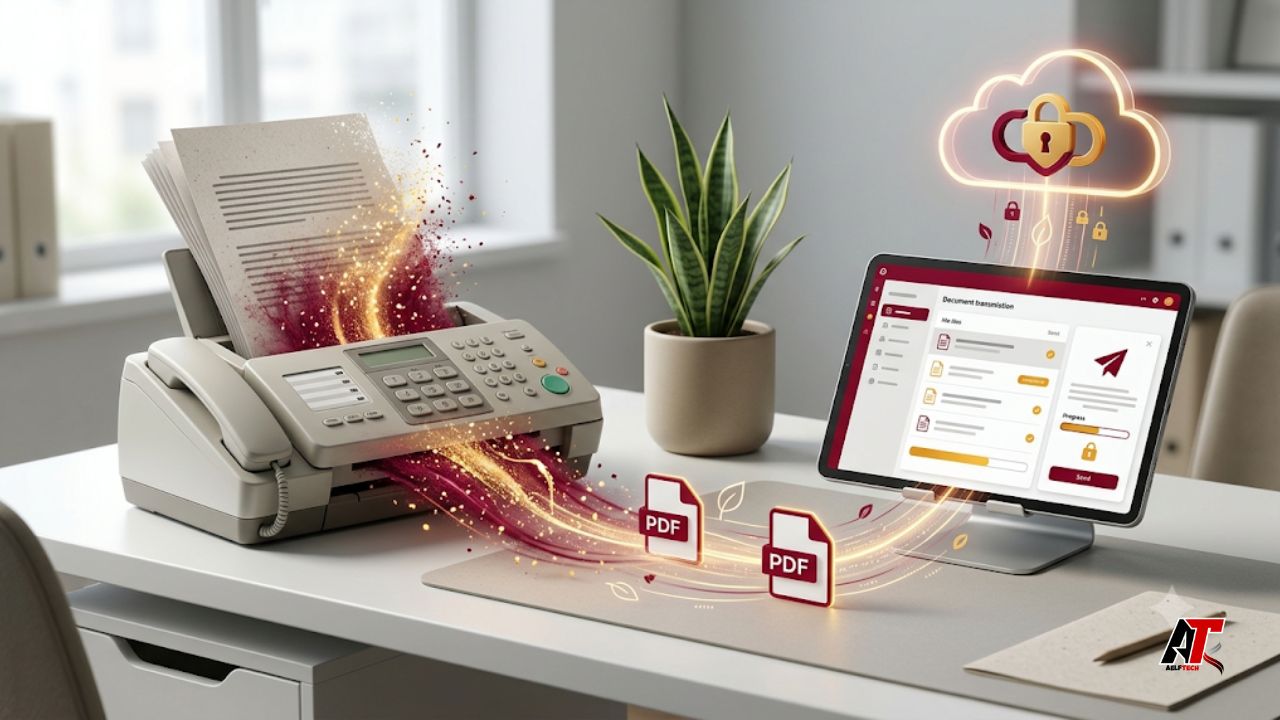
Faxing may seem outdated, yet it remains part of daily communication in healthcare, legal services, finance, property management, education, and government-facing work. The environmental problem is usually not the transmission method alone. It is the traditional workflow built around dedicated machines, paper trays, toner, telephone lines, physical filing, maintenance, and repeated printing. A document may be created digitally, printed only to be faxed, and then scanned or filed again. Each step consumes resources without improving the information itself.
Online faxing modernizes this process while preserving fax compatibility. Employees can send and receive documents through a browser, email, mobile application, or cloud dashboard, while the recipient still receives a conventional fax. The strongest environmental gains appear when the service is combined with sensible printing rules, secure digital storage, defined retention periods, and responsible equipment retirement. Online services still use electricity, so the goal is not a zero-impact claim. The goal is a more efficient workflow that uses fewer physical resources.
The Hidden Environmental Cost of Traditional Faxing
Traditional faxing creates several environmental costs at once. Incoming pages may print automatically even when they are duplicated, unwanted, incomplete, or sent to the wrong department. Outgoing files are often printed from a computer, placed into the machine, transmitted, and then stored or discarded. Cover sheets and confirmation pages add more waste to a process that could frequently remain digital.
The machine also consumes electricity while operating and often while idle. Toner cartridges, drums, cables, replacement parts, packaging, and maintenance visits add manufacturing and transportation impacts. When old equipment is discarded, it can enter the electronic-waste stream. This is why the environmental case for online faxing is broader than saving paper: it reduces an entire chain of equipment, consumables, storage, and unnecessary office activity.
1. Online Faxing Reduces Paper Waste
The clearest benefit is lower paper consumption. Online platforms usually deliver incoming faxes as digital files, so employees can read, route, approve, sign, and archive them without printing. Only pages that genuinely require a physical copy need to leave the digital workflow. This is especially useful for organizations receiving large volumes of forms, statements, purchase orders, medical records, or administrative notices.
Paper savings also occur on the sending side. Files created in Word, Excel, a PDF editor, or a business application can remain digital throughout the process. There is no need to print a clean copy, create a paper cover sheet, or scan the document again after approval. When fax transmission is still required, a web service that lets a user send PDF as fax can preserve compatibility while avoiding the print-scan cycle. Businesses should disable automatic printing and clearly define when hard copies are necessary.
2. Fewer Dedicated Devices Can Lower Energy Use
A traditional setup may involve a fax machine, telephone line, printer, scanner, or multifunction device. Online faxing can operate through computers and phones employees already use for other work, removing the need to keep a single-purpose machine powered throughout the day. The effect becomes meaningful across multiple departments, branches, clinics, or offices that each maintain low-use devices.
The energy benefit depends on actual retirement or consolidation. Adding a digital service while leaving every machine running produces limited improvement. A better approach is to measure fax volume, keep one backup process only where necessary, and remove redundant equipment. Cloud platforms also consume electricity, so businesses should consider vendors that publish credible information about data-center efficiency and responsible operations. The environmental advantage comes from reducing duplicated local infrastructure, not from pretending digital activity has no footprint.
3. Digital Faxing Cuts Toner, Ink, and E-Waste
Paper is only one consumable in a fax environment. Ink and toner cartridges require raw materials, manufacturing, packaging, and transportation. They can dry out, leak, expire, or be replaced before they are fully used. Drum units, rollers, and other components also need servicing or disposal. Keeping most pages digital reduces replacement frequency and can extend the useful life of shared printing equipment.
The transition should include responsible end-of-life planning. Unneeded fax machines should be donated, refurbished, resold, or recycled through a reputable electronics program rather than placed in general waste. Remaining printers can be set to duplex and draft modes where appropriate, and cartridges can be returned through verified recycling schemes. Online faxing creates the opportunity to reduce consumables, but responsible purchasing and disposal complete the environmental improvement.
4. Digital Workflows Reduce Duplication and Storage
Paper faxing often creates duplicate work. An employee prints a document, writes notes on it, scans the marked copy, emails it to a colleague, and stores the original in a cabinet. Online faxing connects more naturally with shared folders, document-management systems, customer records, accounting tools, and team inboxes. The document can move through review and approval without repeatedly changing between physical and digital formats.
Searchable filenames, timestamps, delivery confirmations, and access permissions make it easier to locate the correct version. Incoming files can be routed to the appropriate person instead of sitting in a communal tray. Companies should still avoid saving every fax forever in multiple inboxes. Clear ownership, naming rules, backup procedures, and deletion schedules keep the system efficient. Businesses developing broader paperless and automation strategies can find practical technology guidance from team aelftech.com.
5. Remote Access Reduces Office Dependence and Unnecessary Trips
Traditional faxing ties employees to a specific machine. A remote worker may travel to an office, print shop, hotel business center, or shipping store simply to send a document. Online faxing allows authorized users to transmit and receive files through an internet-connected device, reducing small but repeated trips that consume time, fuel, and money.
The benefit is valuable for distributed teams, field professionals, consultants, and small businesses without permanent offices. A property manager can send a signed form from a site visit, while an administrator can handle an urgent fax from home during an office closure. Remote access must be supported by strong passwords, multifactor authentication, approved devices, and rules for downloaded files. Convenience should never result in sensitive documents being stored indefinitely on personal phones or unapproved cloud accounts.
6. Sustainability Improvements Can Also Reduce Costs
Environmental upgrades are easier to maintain when they improve business performance. Online faxing may lower spending on paper, toner, telephone lines, maintenance, repairs, storage, shredding, and replacement equipment. It can also reduce hidden labor costs such as waiting by a machine, re-sending failed pages, sorting incoming documents, clearing paper jams, and searching filing cabinets.
A digital service usually replaces irregular hardware expenses with a subscription or usage-based fee. Businesses should compare total cost rather than the headline price, reviewing page limits, overage charges, international rates, cancellation terms, and storage policies. Savings can then support other improvements such as energy-efficient equipment, staff training, better recycling, or wider digital-process upgrades.
Security and Privacy Must Remain Part of the Plan
Moving online changes the risk profile rather than eliminating risk. Paper faxes can be left in trays, viewed by unauthorized people, filed incorrectly, or discarded without shredding. Digital systems reduce some physical exposure but introduce weak passwords, phishing, misdirected recipients, insecure downloads, excessive retention, and vendor-access concerns.
Before selecting a provider, ask how information is encrypted during transmission and storage, where data is processed, how long documents are retained, whether multifactor authentication is available, and how administrators control user access. Regulated organizations should verify their own legal and contractual obligations rather than relying on marketing words such as “secure” or “compliant.” Employees should confirm recipient numbers, recognize suspicious messages, minimize unnecessary personal data, and report errors quickly. General privacy and fraud-prevention resources from the Federal Trade Commission can support wider digital-safety policies.
How to Move from Traditional Faxing to Online Faxing
Begin with a simple audit. Record how many faxes each department sends and receives, which document types are involved, which workflows are regulated, and how often paper copies are genuinely required. This baseline helps the business choose the correct plan and later measure whether printing, consumables, and equipment use have declined.
Test the service with a small group before full rollout. Configure shared inboxes, permissions, delivery notifications, naming rules, and retention settings. Ask users to report failed transmissions, slow routing, confusing interfaces, or incompatible files. Once the process is stable, remove unnecessary machines and cancel unused lines instead of paying for two systems indefinitely. Update procedures and train staff to keep documents digital by default. Review results after 30, 60, and 90 days using measures such as pages printed, supplies purchased, machines retired, processing time, and user satisfaction.
What to Look for in an Online Fax Provider
A suitable provider should match the organization’s volume, security needs, workflow, and budget. Useful features may include browser and mobile access, email-to-fax, fax-to-email, searchable records, delivery confirmations, team permissions, electronic signatures, contact lists, and integrations with existing software. Reliability matters because a low-cost platform is not useful if urgent documents fail without clear status information.
Review privacy terms, retention options, customer support, number portability, export tools, page limits, and fees. The platform should make digital viewing easy and avoid unnecessary confirmation printing. A short pilot using real but non-sensitive workflows is often more informative than a feature list. The best service is the one that makes secure digital behavior easy for employees, not the one with the most complicated dashboard.
Frequently Asked Questions
Is online faxing completely paperless?
It can be almost paperless when incoming and outgoing files remain digital, but some contracts, regulations, or customer processes may still require printed copies. The practical goal is to make digital handling the default and print only when there is a clear reason.
Does online faxing use less energy?
It can reduce office energy use by removing dedicated machines and repeated printing or scanning. However, cloud services also use electricity. The benefit is strongest when unnecessary equipment is retired and duplicate digital storage is controlled.
Can online faxing handle sensitive documents?
Potentially, but suitability depends on the provider and the organization’s obligations. Review encryption, access controls, retention, audit records, data location, incident procedures, and contract terms. Staff must also verify recipients and protect downloaded files.
How can a business measure the environmental benefit?
Compare paper purchased, pages printed, toner orders, maintenance costs, storage, shredding volume, machines retired, and trips to external fax locations before and after the change. Even without a formal carbon calculation, these measures show practical reductions.
What is the biggest migration mistake?
The biggest mistake is adding a digital service without changing the workflow. If employees still print everything and old machines remain powered, many benefits disappear. Technology must be combined with training, retention rules, security controls, and equipment removal.
Conclusion: A Practical Step Toward a Greener Office
Online faxing is a realistic sustainability upgrade because it modernizes a process many organizations still need. By keeping documents digital, businesses can reduce paper, toner, storage, device use, maintenance, and unnecessary travel while improving routing, remote access, and record visibility.
The transition should be managed thoughtfully. Digital services have their own energy and security considerations, and the strongest gains come from retiring redundant equipment, changing printing habits, and measuring results. Online faxing is not a complete environmental strategy, but it can remove a surprisingly wasteful workflow and create momentum for wider digital improvements.
Leave a Reply