
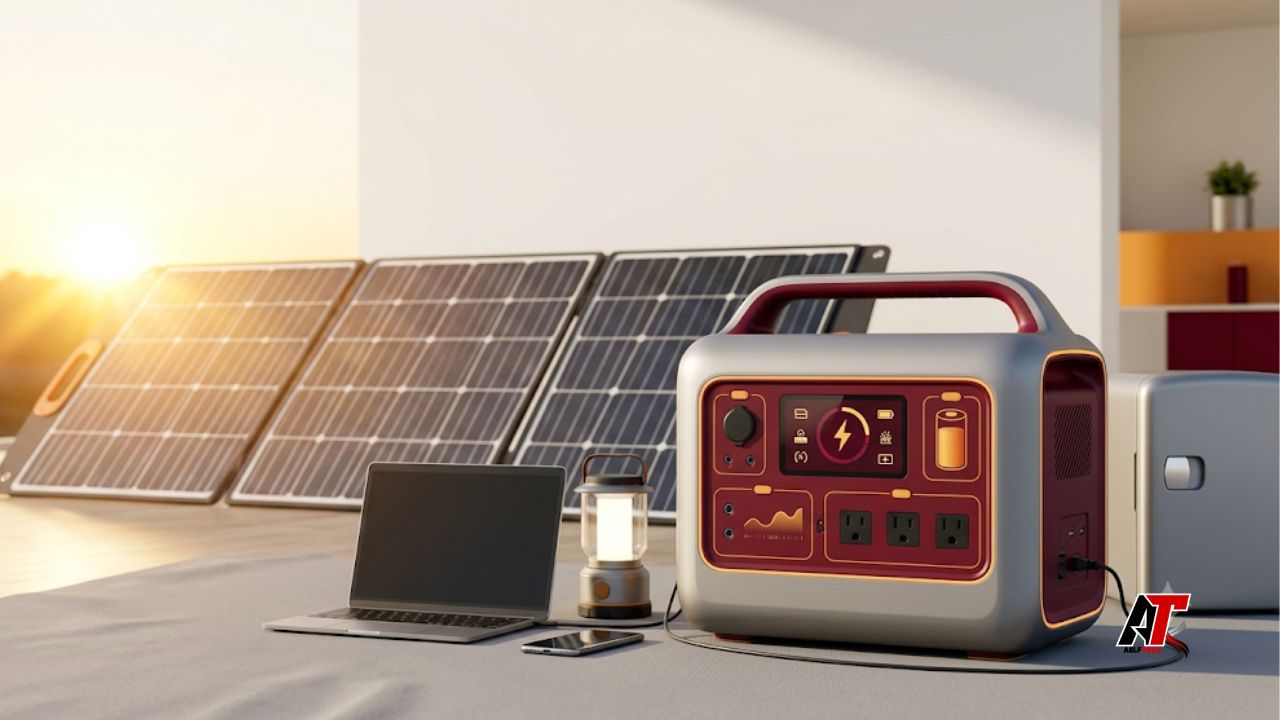
Choosing your first solar generator can feel difficult. Product pages show battery sizes, output ratings, charging speeds, and many unfamiliar terms. As a result, beginners often focus on one large number and miss the features that matter most.
The right unit is not always the biggest one. Instead, it should match your appliances, your planned runtime, and your charging options. It should also be safe, easy to carry, and simple to use. This guide explains each step in plain language, so you can compare models with confidence.
What Is a Solar Generator?
A solar generator is a portable battery system. It stores electricity and sends power to devices through AC outlets, USB ports, or DC ports. Most units include a battery, an inverter, a charge controller, safety controls, and a display in one case.
Solar panels can recharge the battery during the day. However, many units also accept power from a wall outlet or a vehicle socket. The battery stores the energy, while the panels create electricity from sunlight.
Unlike a gasoline generator, a battery power station does not burn fuel while it runs. Therefore, it is quiet and does not produce exhaust at the point of use. Still, it has a limited runtime. Once the battery is empty, you must recharge it.
1. Decide How You Will Use It
First, decide why you need backup power. A small unit may be enough for phones, lights, and a laptop. In contrast, a refrigerator, pump, power tool, or medical device may need a larger battery and a stronger inverter.
Write down your main use before you shop. This simple step will stop you from paying for features that you do not need.
- Camping: focus on low weight, easy carrying, quiet fans, and USB charging.
- Home outages: focus on refrigerator runtime, fast recharging, and surge power.
- Remote work: focus on clean AC power, laptop ports, and enough power for a router.
- Emergency kits: focus on reliability, simple controls, lights, and long storage life.
Next, separate your devices into essential and optional groups. For example, a phone, light, and medical device may be essential. A television or coffee maker may be optional. This choice helps you protect battery power during a long outage.
2. Make a List of the Devices You Need to Power
Check the label on every device. Look for its watt rating. You can also use a plug-in power meter for a more accurate reading. Then, note how many hours you expect to use each device.
Some appliances run all the time. Others switch on and off. A refrigerator is a good example. Its compressor may run for only part of each hour. Therefore, a daily measurement is often more useful than the number on its label.
Also, do not forget small loads. Routers, lights, chargers, fans, and standby devices can use a meaningful amount of energy over many hours.
3. Understand Watts and Watt-Hours
Watts and watt-hours describe different things. Watts show how much power a device needs at one moment. Watt-hours show how much energy a battery stores or a device uses over time.
For example, a 100-watt device that runs for five hours uses about 500 watt-hours. The basic formula is simple:
Formula: Device watts × hours of use = required watt-hours
Suppose a laptop uses 60 watts for three hours. It will need about 180Wh. If two 10-watt lights run for five hours, they will need another 100Wh. Together, those loads need about 280Wh.
However, the full battery rating is not available at the outlets. The inverter, cables, temperature, and safety system create losses. For planning, assume that you may use about 80 to 90 percent of the stated capacity. Then, add a 20 to 30 percent reserve for unexpected needs.
4. Calculate the Battery Capacity You Need
Now add the watt-hours for all essential devices. This total gives you a useful starting point. After that, add your safety reserve.
Here is a simple home-outage example:
- Refrigerator: 60W average use for 8 hours = 480Wh
- Wi-Fi router: 15W for 10 hours = 150Wh
- Two LED lights: 20W total for 5 hours = 100Wh
- Laptop: 60W for 3 hours = 180Wh
The total is 910Wh. After adding a 20 percent reserve, the target becomes about 1,092Wh. Therefore, a model between 1,200Wh and 1,500Wh may be a sensible starting point.
This estimate is not a promise of exact runtime. Room temperature, appliance behavior, battery age, and inverter losses can change the result. For that reason, test your final setup before you depend on it in an emergency.
5. Check Continuous and Surge Output
Battery capacity tells you how long the unit may run. Inverter output tells you what the unit can operate. You need to check both numbers.
Continuous output is the power the inverter can supply for a longer period. Surge output is a short burst of extra power. Refrigerators, pumps, compressors, and some tools need this extra power when they start.
For example, a refrigerator may use only 150 watts while running. Yet it may need much more power for a brief moment when the compressor starts. If the inverter cannot support that surge, the power station may shut down.
Also, choose a pure sine wave inverter for sensitive electronics. It is a better choice for laptops, televisions, audio equipment, medical devices, and variable-speed motors.
6. Compare Battery Type and Cycle Life
Many modern portable power stations use lithium batteries. LiFePO4, also called LFP, is now a common option. It often offers a long cycle life, good heat stability, and strong durability. Other lithium battery types may be lighter, which can help when you travel often.
Next, compare cycle-life ratings. One full cycle means using energy equal to 100 percent of the battery capacity. You can complete that cycle in one use or through several smaller uses.
Do not look at the cycle number alone. Check how much capacity should remain after those cycles. For example, a maker may state that the battery keeps 80 percent of its original capacity after a set number of cycles.
Battery performance also changes with heat, cold, age, and discharge rate. Readers who want a technical explanation can review the battery model information from PVsyst. For daily use, keep the unit away from extreme heat and follow the storage guide.
7. Match Solar Input With Your Charging Plan
A large battery is less useful if you cannot recharge it in time. Therefore, check the maximum solar input in watts. You should also check the allowed voltage and current range.
The solar panel setup must stay within those limits. Too little input may lead to slow charging. On the other hand, an incorrect voltage may damage the system. Use compatible panels, cables, and connectors.
Many quality power stations include an MPPT charge controller. It helps the unit collect useful power as sunlight changes. Even so, a 200-watt panel will not provide 200 watts all day. Shade, clouds, heat, panel angle, season, and cable loss can reduce output.
To estimate charging time, divide the battery capacity by the realistic solar input. For example, a 1,000Wh battery receiving an average of 150 watts needs more than six and a half hours of strong charging. In real conditions, it may take longer.
When comparing solar generators, check whether you can add more panels later. Also, confirm the connector type and maximum input before you buy extra equipment.
8. Review Ports and Charging Methods
Count the ports you will actually use. Common options include AC outlets, USB-A, USB-C Power Delivery, a 12V socket, and regulated DC ports.
A high-power USB-C port can charge many laptops directly. As a result, you may avoid some energy loss from using an AC laptop charger. Also, check whether the ports can work at the same time without reducing the output you need.
Most units can charge from a wall outlet. Some also support solar, vehicle, or combined charging. Wall charging is usually the fastest and most predictable. Solar charging is useful off-grid, while vehicle charging can help during travel.
Pass-through charging can be convenient. However, it does not always mean the unit works as a true uninterruptible power supply. Check the transfer time and the maker’s stated UPS or EPS support before using it for sensitive equipment.
9. Check Portability and Everyday Convenience
A heavy unit may look portable online but feel difficult to move at home. Therefore, check the total weight, handle design, wheel options, and storage size.
A clear screen also matters. It should show battery percentage, input power, output power, and estimated time remaining. In addition, quiet fans, replaceable cables, app controls, and separate switches for each port group can improve daily use.
If you may need more power later, look for expandable battery support. However, check the cost of extra batteries before choosing a system. Expansion can become expensive.
10. Put Safety, Warranty, and Support First
A solar generator stores a large amount of energy. For this reason, safety should be a top buying factor. Look for a battery management system that protects against overcharging, deep discharge, short circuits, high current, and unsafe temperatures.
Also, look for clear safety testing or certification from a recognized testing organization. Avoid vague claims that say a product was only designed to meet a standard.
Use the approved charger and stay within the solar input limits. Keep the vents clear, protect the unit from water, and stop using it if the case or battery looks damaged. Finally, compare the warranty, return policy, replacement parts, and customer support.
Common Mistakes Beginners Should Avoid
- Buying by battery capacity alone and ignoring inverter output.
- Forgetting the startup surge of a refrigerator, pump, or tool.
- Expecting a solar panel to produce its full rating all day.
- Choosing a unit that is too heavy for the planned use.
- Ignoring voltage limits, connector types, and cable needs.
- Trying to run heaters, kettles, hair dryers, or air conditioners from a small battery.
Another common mistake is storing the unit without testing it. Instead, charge it fully and connect your main devices. Measure the real runtime. Then, practice solar charging and learn every control before an outage.
Quick Buying Checklist
1. List your essential devices.
2. Check running watts and startup watts.
3. Estimate total watt-hours for the planned runtime.
4. Add a 20 to 30 percent reserve.
5. Choose enough continuous and surge output.
6. Confirm pure sine wave AC output.
7. Compare battery type, cycle life, and warranty.
8. Check solar voltage, current, wattage, and connectors.
9. Review ports, weight, charging speed, and safety testing.
Once you have two or three options, compare them with the same device list. The team at aelftech.com suggests viewing the product as a complete energy system. The battery, inverter, panels, cables, and loads must work together.
Final Thoughts
Learning how to choose a solar generator for beginners becomes easier when you follow a clear process. Start with your devices. Then, calculate energy use, check inverter output, and plan how you will recharge the battery. Finally, review safety, portability, warranty, and support. A well-matched system can provide useful power for camping, remote work, and home emergencies without wasting money on the wrong features.
Frequently Asked Questions
How big should a beginner’s solar generator be?
A few hundred watt-hours may support phones, lights, and a laptop. Refrigerator backup often needs about 1,000Wh or more. Your real target depends on device use and required runtime.
Can a solar generator power a refrigerator?
Yes, many models can. However, the inverter must handle the refrigerator’s startup surge. The battery must also store enough energy for the hours you need.
How many solar panels do I need?
The answer depends on battery size, sunlight, charging time, and the power station’s input limits. Start with your daily energy use, then choose a panel setup that can replace that energy.
Is LiFePO4 a good battery choice?
Yes, it is often a strong choice for frequent use because it can offer long cycle life and good heat stability. Still, another battery type may weigh less.
Can I use a solar generator every day?
Yes. Many people use one for camping, remote work, or daily energy backup. Follow the charging, temperature, and storage instructions to protect battery life.
Leave a Reply