
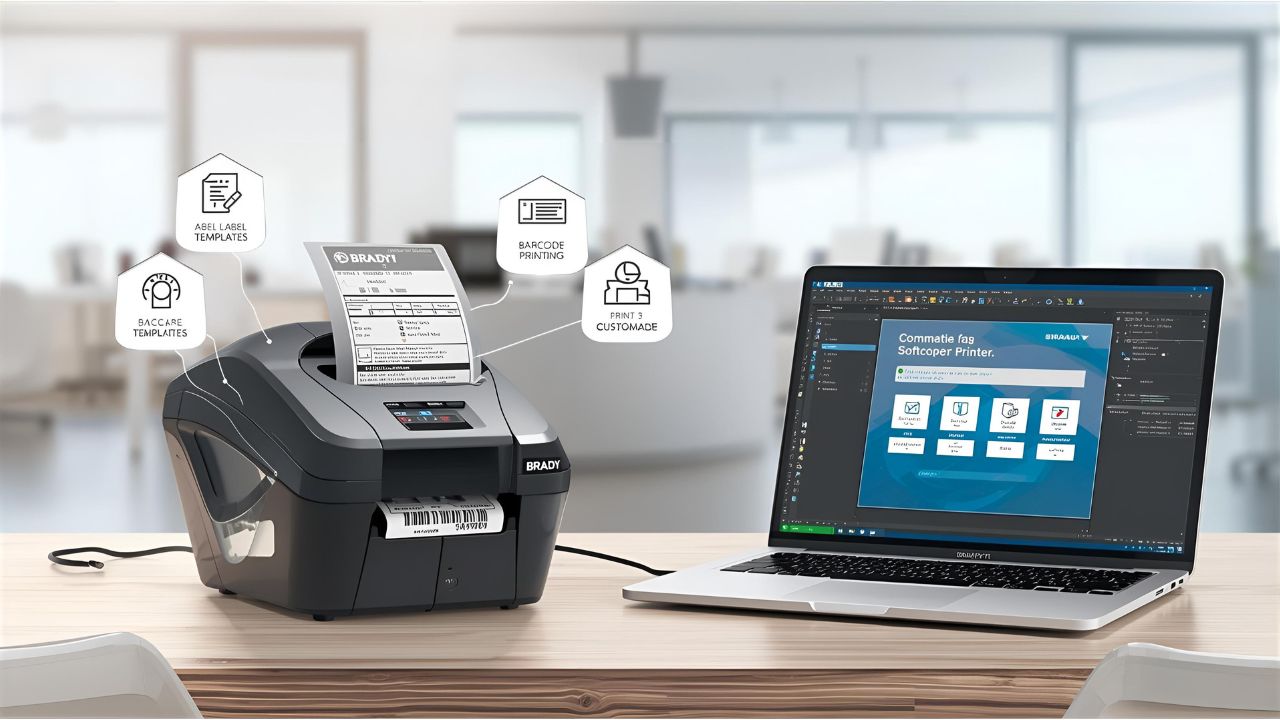
The Brady BMP71 Software is a vital companion for the BMP71 label printer. It allows users to create, customize, and print labels efficiently, whether for office use, industrial labeling, or home projects. With this software, you can design labels with text, graphics, barcodes, and even import data from spreadsheets for batch printing.
For businesses and individuals who want precise and professional labeling, using the Brady BMP71 Software ensures speed, accuracy, and reliability.
Key Features of Brady BMP71 Software
1. Label Design and Customization
Users can create personalized labels using pre-made templates or start from scratch. The software supports various fonts, symbols, and graphics.
2. Data Import for Batch Printing
You can import Excel or CSV files to print multiple labels in one go. This feature is especially useful for inventory management or wire and cable labeling.
3. Barcode and QR Code Support
Brady BMP71 Software supports multiple barcode types and QR codes, helping with asset tracking and identification.
4. Database Connectivity
Connect the software to external databases to dynamically generate labels with updated information.
5. User-Friendly Interface
The software is designed for beginners and professionals alike, offering intuitive navigation, drag-and-drop tools, and simple printing options.
How to Install Brady BMP71 Software
- Download the Software
Visit the official Brady website and navigate to the BMP71 Software download page. Select the appropriate version for your Windows system. - Install the Software
Open the downloaded file and follow the on-screen instructions. - Install Printer Drivers
The Brady BMP71 printer driver is included or available separately. Install the driver before connecting your printer. - Connect Your Printer
Plug in your BMP71 printer via USB and ensure it is recognized by the software. - Start Labeling
Launch the Brady BMP71 Software and begin creating custom labels.
Software Compatibility
The Brady BMP71 printer works with several software solutions:
- Brady Workstation: Complete suite for different label types.
- LabelMark: Easy-to-use software for basic labeling.
- MarkWare: Advanced features for professional label design.
- Codesoft: Barcode-focused labeling and enterprise solutions.
These programs ensure flexibility depending on the user’s labeling needs.
Benefits of Using Brady BMP71 Software
- Efficiency: Quickly design and print labels without errors.
- Professional Output: Create clean, durable labels for various applications.
- Scalability: Suitable for small projects or large-scale labeling operations.
- Ease of Use: Intuitive interface saves time and reduces the learning curve.
FAQs About Brady BMP71 Software
Q1: Is Brady BMP71 Software free?
A: Some versions are free, while advanced features may require a licensed purchase from Brady.
Q2: Can I use the software on Windows and Mac?
A: The software primarily supports Windows. Mac users may need to use a virtual machine or check compatibility updates.
Q3: Can I print barcodes with Brady BMP71 Software?
A: Yes, it supports multiple barcode types, QR codes, and sequential numbering.
Q4: Is the software suitable for beginners?
A: Absolutely. The interface is designed for both beginners and professionals.
Q5: Can I import data for batch label printing?
A: Yes, you can import Excel or CSV files to print multiple labels efficiently.
Final Thoughts
Brady BMP71 Software is an essential tool for anyone using the BMP71 label printer. It combines simplicity with powerful functionality, making label creation and printing faster and more professional. Whether for personal, industrial, or office use, this software ensures precise, high-quality labels every time.
Leave a Reply