
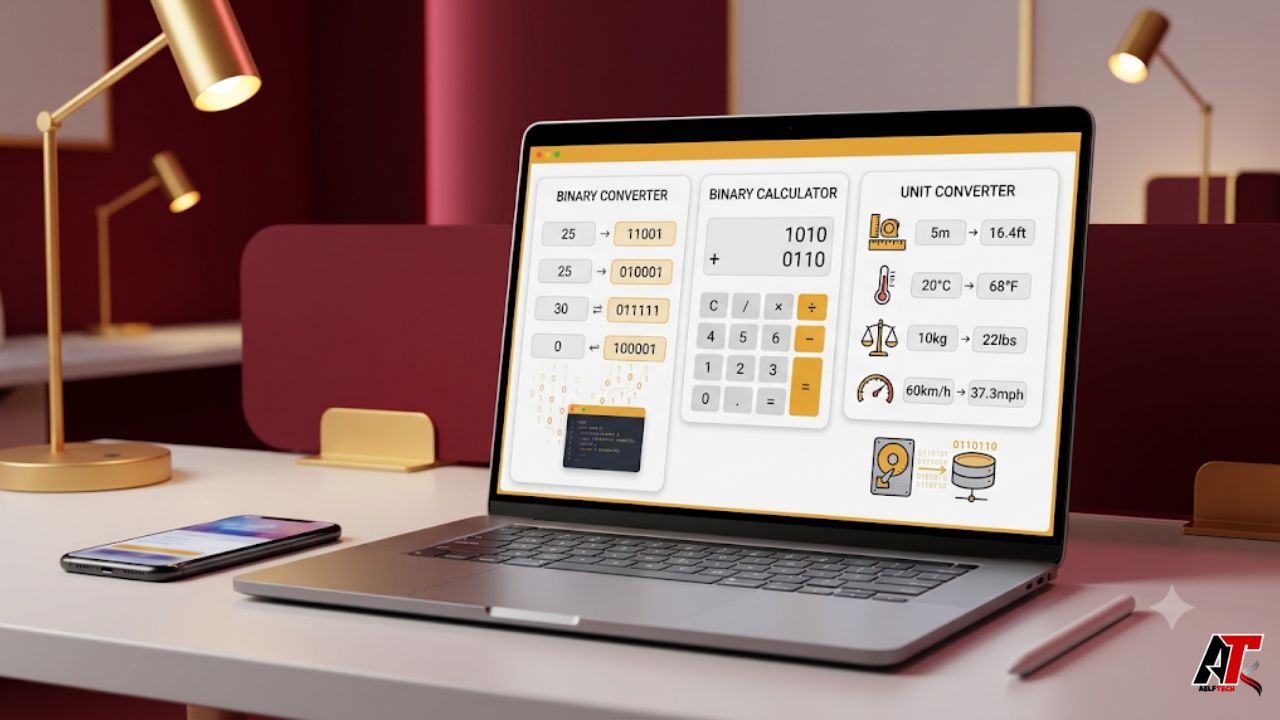
Online conversions have become part of daily digital work. Students convert number systems for computer science homework. Developers convert binary, decimal, hexadecimal and ASCII values during debugging. Engineers move between units while checking measurements. Marketers, shop owners, analysts and general users also need quick conversions without installing heavy software.
That is why binary converter, binary calculator and unit converter tools are so useful. They remove guesswork and save time. They also reduce small manual mistakes that can turn into bigger problems. A simple wrong decimal value, temperature reading or data size can affect code, reports, budgets and technical decisions.
The best online conversion tools are fast, simple and accurate. They help users enter a value, choose the right format and receive a clean result. When designed well, these tools also teach users how conversions work. This makes them valuable for learning, professional work and everyday problem solving.
Why Online Conversion Tools Matter
Manual conversion is possible, but it is not always efficient. A person can convert binary to decimal by multiplying place values. They can also convert inches to centimeters with a formula. However, this process takes time when many values are involved. It also becomes harder when the user is tired, rushed or working with unfamiliar units.
Online tools make the process easier. They offer instant answers and let users test several values in seconds. They are also helpful when people need to compare results across formats. For example, a developer may want to see the same value in binary, decimal, octal and hexadecimal. A student may want to check each step before submitting an assignment.
For businesses, speed matters even more. Teams often work with data, files, product dimensions, international measurements and technical numbers. Reliable conversion tools support faster decisions. They also help teams avoid errors caused by inconsistent formats.
What a Binary Converter Does
A binary converter changes values from one number format to another. It may convert binary to decimal, decimal to binary, binary to hexadecimal, binary to ASCII or other related formats. This is especially useful because computers store and process information in binary form. Humans, however, often prefer decimal or readable text.
Binary uses only two digits: 0 and 1. Each digit represents a power of two. This system is simple for machines but can feel confusing for beginners. A converter bridges that gap. It helps users understand how digital values translate into forms they can read and use.
These tools are common in programming, networking, electronics and computer science. A developer may convert a binary value to hexadecimal for memory work. A student may convert ASCII text into binary to understand character encoding. A network learner may convert IP-related values while studying subnet concepts.
A strong binary converter should be clean and direct. The input box should be easy to find. The result should appear quickly. It should also make it clear which direction the conversion uses. This keeps users from mixing up source and target formats.
How a Binary Calculator Helps
A binary calculator goes beyond simple conversion. It helps users perform math or logic operations with binary numbers. These operations may include binary addition, subtraction, multiplication, division and bitwise actions such as AND, OR, XOR and NOT.
This is useful because binary math is important in computing. Low-level programming, embedded systems, digital electronics and logic design all depend on it. Even users who do not write hardware-level code can benefit from understanding how binary operations work.
For example, bitwise operations help programmers control flags, permissions and masks. A binary calculator can show the result instantly. It can also help users compare expected results with actual results during debugging.
Students can use binary calculators as learning aids. They should not replace understanding, but they can confirm answers. When a student performs binary addition by hand and then checks the result online, the tool becomes a useful study partner.
The Role of a Unit Converter
A unit converter helps people convert measurements such as length, weight, temperature, area, volume, time, speed, pressure, energy and data storage. These conversions are useful in many fields because measurements are not always written in the same system.
A builder may need feet and meters. A cook may need cups and milliliters. A student may need Celsius and Fahrenheit. A shopper may need pounds and kilograms. A developer may need bytes, kilobytes, megabytes and gigabytes. A unit conversion tool brings these needs into one simple place.
Unit converters are also helpful for international work. A business that sells products in more than one country may need to convert product dimensions, package weights and shipping details. A travel planner may compare distance, temperature and speed units. An online calculator makes this easier and more consistent.
Good unit converters should show clear labels. They should also help users select the correct unit family. Mixing length with area, weight with volume or data rate with data size can create confusion. A clear design reduces that risk.
Accuracy Depends on Input and Context
Conversion tools are powerful, but users still need to enter correct values. A tool can calculate only what it receives. If the input number is wrong, the result will also be wrong. This is why users should check decimal points, negative signs, unit labels and direction before trusting the answer.
Context also matters. Some units have regional variations. For example, gallons can differ by system. Data storage units may also use decimal or binary prefixes, depending on context. A careful user should always look at the unit label and choose the version that fits the task.
For technical work, it is smart to compare critical results with a second method. This does not mean online tools are unreliable. It simply means important results deserve care. Engineers, developers and analysts often check key numbers before using them in production, documents or client work.
Practical Uses for Students
Students benefit from conversion tools because they turn abstract topics into visible results. In computer science, binary and hexadecimal values can feel difficult at first. When students use converters, they can see how number systems relate to each other.
A student can enter a decimal number and view the binary form. Then they can try to calculate it manually. This process builds confidence. It also makes lessons more interactive.
Unit converters help with math, physics, chemistry, engineering and everyday assignments. A student can check meters to kilometers, grams to kilograms, joules to calories or Celsius to Fahrenheit. This saves time and supports better understanding.
Practical Uses for Developers and IT Teams
Developers often work with values that move between human-readable and machine-readable formats. Binary, decimal, hexadecimal and ASCII conversions appear in debugging, data encoding, file handling and low-level programming.
A binary converter can help a developer confirm whether a value is correct. A binary calculator can test bitwise logic. A unit converter can support storage estimates, bandwidth calculations and performance planning.
IT teams also deal with mixed units. Storage capacity, network speed, memory values and transfer rates need careful interpretation. Using a conversion tool reduces confusion, especially when teams share information across departments.
Practical Uses for Businesses
Businesses use conversions more often than they realize. Product teams convert dimensions. Logistics teams convert weights and volumes. Finance teams may check rates and quantities. Marketing teams may prepare international product pages. Technical teams may convert data values for software and reports.
Clear tools can support this daily workflow. Guides from aelftech.com often focus on practical digital solutions that help teams work smarter. In the same way, online conversion tools give teams a faster way to handle small but important calculations.
When a company grows, small errors become more expensive. A wrong measurement can affect packaging. A wrong data value can affect reporting. A wrong technical conversion can slow a project. Reliable tools help teams stay consistent.
How to Choose a Good Conversion Tool
The first sign of a good tool is clarity. Users should understand what the tool does within seconds. The page should show the input field, output field and supported formats without confusion.
The second sign is speed. A conversion tool should not feel slow or heavy. Users visit these tools because they need quick answers. Fast loading and instant results improve the experience.
The third sign is coverage. A binary tool should include common number formats and useful operations. A unit tool should include everyday units and specialized categories where possible. The fourth sign is privacy. Tools that work directly in the browser can be helpful when users do not want to submit sensitive values to a server.
The fifth sign is mobile usability. Many users check conversions on phones. A responsive layout makes the tool useful in classrooms, workshops, warehouses, offices and travel situations.
Tips for Getting Better Results
Start by choosing the right conversion direction. Binary to decimal is not the same as decimal to binary. Inches to centimeters is not the same as centimeters to inches. Direction matters.
Next, check the exact unit. Do not assume that similar labels always mean the same thing. Data storage, fuel economy, pressure and volume can include variations. Choose carefully.
Then review the number before using the result. Check decimal points and extra zeros. This is especially important for engineering values, finance numbers, code values and product measurements.
Finally, save or copy the result with the unit label included. A number without a label can cause confusion later. Writing 25 is less useful than writing 25 cm, 25 kg or 25 MB.
The Future of Online Conversion Tools
Online converters are becoming more helpful. Modern tools can offer cleaner interfaces, better search, mobile layouts and broader categories. Some tools also provide formulas, examples and educational notes.
This matters because users want more than a number. They want confidence. A tool that explains the result can help beginners learn and help professionals verify their work faster.
As digital work grows, conversion tools will remain important. Data, code, measurements and formats will continue to move between systems. Tools that combine speed, accuracy and usability will stay valuable.
Conclusion
Binary converter, binary calculator and unit converter tools make online conversions faster, cleaner and more accurate. They support students, developers, engineers, IT teams, businesses and everyday users.
A binary converter helps users move between number systems. A binary calculator helps users test binary math and logic. A unit converter helps users manage real-world measurements across many categories.
The best tools do more than provide answers. They make technical work easier to understand. They reduce mistakes. They save time. Most importantly, they give users confidence when accuracy matters.
Leave a Reply