
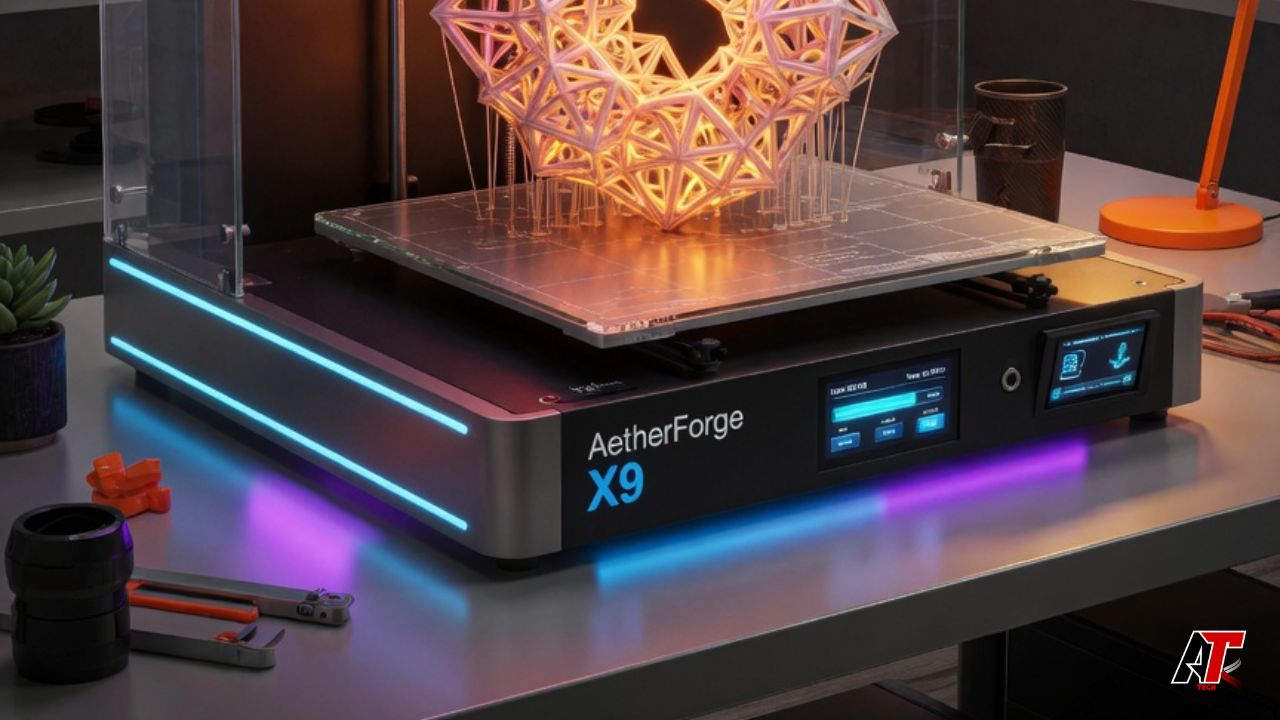
Modern additive manufacturing technology empowers creators, engineers, and hobbyists to convert digital concepts into physical objects. Selecting a modern 3D printer unlocks rapid prototyping, custom tool creation, and localized low-volume production. Historically, additive manufacturing tools remained restricted to industrial research laboratories due to high costs and operational complexity. Today, desktop manufacturing machines deliver extraordinary resolution, high print speeds, and broad material compatibility at accessible price points. However, choosing the appropriate machine requires understanding extrusion mechanics, bed leveling systems, spatial resolution, and material requirements. Consequently, buyers must evaluate technical parameters carefully before investing in additive hardware. This comprehensive buying guide analyzes core printing technologies, essential machine features, and industry selection strategies to help you find the ideal manufacturing hardware.
Understanding How a 3D Printer Operates
Additive manufacturing constructs physical parts by depositing material layer upon layer based on three-dimensional CAD models. A professional 3D printer transforms digital files into physical objects through a systematic digital workflow.
| Stage 1: Design Phase | Stage 2: Slicing Translation | Stage 3: Fabrication Execution |
|---|---|---|
| Digital CAD Creation | G-Code Preparation | Additive Deposition |
| Engineers construct a 3D solid model using specialized CAD software platforms. | Slicing software converts 3D geometry into precise toolpath instructions and G-code. | The print head moves along calculated axes, extruding or curing material layer by layer. |
This automated workflow eliminates the need for expensive tooling molds and subtraction cutting blocks. Therefore, designers can iterate complex internal structures, hollow geometries, and custom prototypes rapidly.
7 Secrets to Select the Ideal 3D Printer
Selecting the correct manufacturing hardware requires matching technical capabilities with your specific project requirements. Below are seven fundamental factors every buyer must evaluate.
1. Determine Primary Material Compatibility
Different fabrication projects require distinct thermal and mechanical material properties. Standard entry-level machines handle basic thermoplastics like PLA and PETG effortlessly. However, engineering applications demand advanced materials such as ABS, ASA, Polycarbonate, or Carbon-Fiber composites. Consequently, verify that your target machine includes high-temperature hotends capable of reaching 300°C.
2. Evaluate Print Speed and Acceleration Metrics
Print speed determines how quickly parts transition from digital concepts to physical components. Older desktop machines maxed out at printing speeds around 50 mm/s. In contrast, modern high-speed machines execute precise prints at speeds exceeding 500 mm/s with 20,000 mm/s² acceleration. Therefore, high-speed machines reduce production timelines significantly without sacrificing surface finish quality.
3. Analyze Build Volume Requirements
Build volume defines the maximum physical dimensions an additive machine can produce in a single print job. While large build plates accommodate massive architectural models, larger heated beds require more electrical power and longer heat-up cycles. Consequently, balance your physical size needs against operational energy costs.
4. Verify Auto-Bed Leveling Calibration
Achieving a perfect first layer requires absolute bed level uniformity across the entire print surface. Manual bed leveling with paper sheets is tedious and prone to human error. Modern machines feature automated multi-point bed leveling sensors that build precise digital mesh maps. As a result, automatic calibration ensures consistent first-layer adhesion automatically.
5. Inspect Extruder and Hotend Specifications
Direct-drive extruders mount the filament drive motor directly above the hotend, offering superior control over flexible filaments like TPU. Conversely, Bowden extruders push filament through long PTFE tubes, reducing print head mass for faster movement. For technical materials, direct-drive systems deliver unmatched retraction control and material versatility.
6. Assess Enclosure and Thermal Stability
An enclosed 3D printer preserves internal ambient heat while blocking cold room drafts. Maintaining elevated chamber temperatures prevents warp-prone engineering plastics like ABS and Polycarbonate from shrinking or detaching from the build plate during printing. In addition, enclosed systems mitigate fumes using built-in HEPA and active carbon air filters.
7. Review Slicing Software Ecosystems
Hardware performance depends heavily on software slicing optimization. Leading hardware manufacturers provide open-source slicers that receive frequent firmware updates and pre-tuned material profiles. Choosing hardware supported by active software ecosystems simplifies print setup and minimizes failed jobs.
Comparing 3D Printer Technologies
Selecting between different additive fabrication processes dictates final part strength, surface detail, and production speed.
FDM 3D Printer Technology
A filament-based FDM 3D printer feeds solid plastic spools through a heated nozzle, melting and depositing material along defined paths. FDM machines represent the most affordable, durable, and user-friendly entry point for functional mechanical parts.
Resin SLA 3D Printer Systems
A resin 3D printer uses liquid photopolymer resin cured layer by layer using precise ultraviolet light arrays. SLA and MSLA machines deliver unmatched surface smoothness and microscopic feature details, making them ideal for jewelry casting, dental models, and miniature figurines.
| Technology Category | Raw Material Format | Dimensional Accuracy | Primary Strength Advantage |
|---|---|---|---|
| FDM Technology | Thermoplastic Spools (PLA, ABS) | Moderate (0.1mm – 0.3mm) | High mechanical and structural impact strength |
| SLA / MSLA Systems | Liquid UV-Cured Resin | Microscopic (0.01mm – 0.05mm) | Smooth surface finish and fine visual detail |
| SLS Industrial | Fine Nylon Powder | Precision Engineering Grade | Supports complex overhangs without support structures |
Crucial Features in a Modern 3D Printer
Modern additive machines incorporate advanced sensors and automation tools that prevent print failures and streamline user operation.
text+-----------------------------------------------------------------------------------------+
|                        ADVANCED AUTOMATION FEATURES                                     |
+-----------------------+----------------------------------+------------------------------+
| Automation Feature    | Technological Mechanism          | User Benefit                 |
+-----------------------+----------------------------------+------------------------------+
| Input Shaping         | Accelerometers counter vibration | Eliminates ringing artifacts |
| AI Camera Monitoring  | Computer vision detects spaghetti| Pauses failed prints instantly|
| Filament Runout Sensor| Optical sensor tracks movement   | Prevents empty spool runs    |
| Multi-Material Units  | Automated filament switching     | Enables multi-color printing |
+-----------------------+----------------------------------+------------------------------+
Integrating input shaping algorithms allows lightweight print heads to move rapidly without generating unwanted chassis vibrations. Consequently, parts remain crisp and free from visual ghosting artifacts even at high operating speeds.
Industry Applications for Every 3D Printer
Additive technology transforms operations across multiple industrial, medical, and educational sectors.
| Industry Sector | Primary Additive Application | Operational Business Value |
|---|---|---|
| Automotive Engineering | Custom assembly jigs and fixtures | Reduces factory line tooling costs |
| Healthcare & Dental | Patient-specific surgical guides | Improves procedure precision and speed |
| Consumer Electronics | Ergonomic enclosure prototypes | Shortens product time-to-market |
| Education & Research | Hands-on STEM learning models | Enhances spatial understanding and design skills |
Utilizing an industrial 3D printer reduces manufacturing turnaround times from weeks to hours. Furthermore, localized manufacturing cuts international shipping costs and simplifies supply chain logistics.
Conclusion: Choosing Your Ideal 3D Printer
Navigating the additive manufacturing landscape requires balancing machine budget, required print speeds, surface resolution, and material performance. As highlighted throughout this guide, choosing the right 3D printer transforms how individuals and businesses design, prototype, and manufacture physical goods. Whether you choose a high-speed desktop FDM unit for durable mechanical brackets or a high-precision resin machine for detailed aesthetic models, evaluating core features ensures long-term operational success. By prioritizing automated bed leveling, robust hotend engineering, high-speed input shaping, and strong software compatibility, buyers acquire reliable manufacturing hardware that delivers exceptional print quality for years to come.
Frequently Asked Questions (FAQs)
What is the main difference between an FDM and SLA 3D printer?
An FDM machine extrudes melted plastic filament to build tough mechanical parts, while an SLA system cures liquid resin with UV light for extreme detail.
Can a 3D printer fabricate functional end-use parts?
Yes, modern machines using engineering materials like carbon-fiber composites, ABS, or Nylon produce strong, functional end-use components.
How long does a 3D printer take to finish a print job?
Print times range from thirty minutes for small basic items to over twenty-four hours for complex, large-scale high-resolution models.
Is an enclosed build chamber necessary for basic PLA printing?
No, basic materials like PLA and PETG print reliably on open-frame machines without requiring an enclosed build chamber.
What maintenance does a desktop 3D printer require?
Routine maintenance includes cleaning the build plate, lubricating motion rods, tightening drive belts, and clearing nozzle clogs.
Are high-speed 3D printers harder to operate for beginners?
No, modern high-speed machines feature fully automated calibration, pre-tuned software profiles, and simple interfaces designed specifically for beginners.
Leave a Reply