
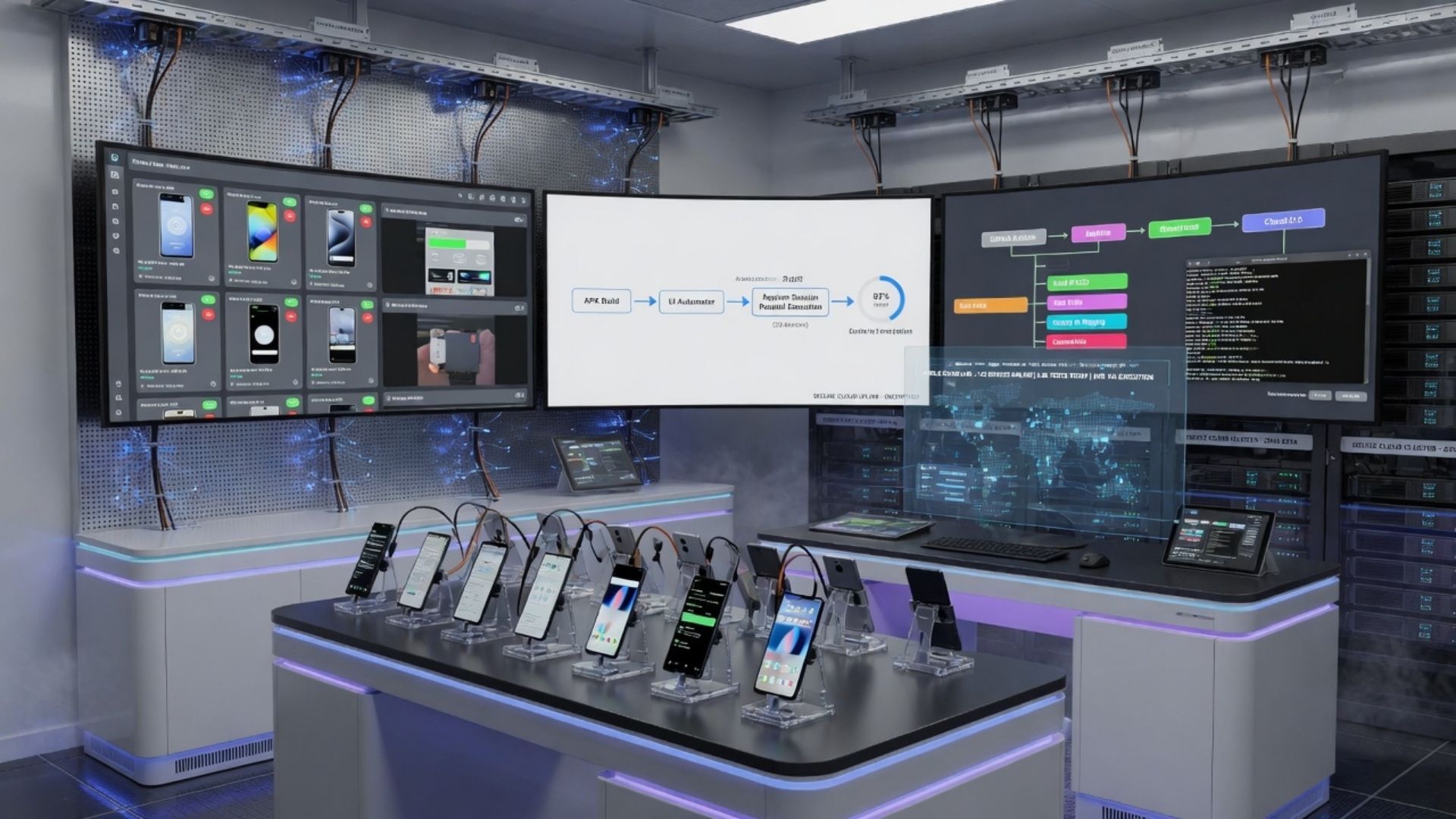
The rapid growth of mobile applications has made quality assurance an essential part of software development. Users expect mobile apps to perform consistently across different devices, operating systems, screen sizes, and network conditions. Testing applications on emulators and simulators alone often fails to capture the real-world performance of an app. This is where a Real Device Cloud (RDC) becomes an invaluable solution. A Real Device Cloud provides developers and quality assurance teams with remote access to physical smartphones and tablets hosted in the cloud, enabling comprehensive testing on actual devices without the need to maintain an extensive in-house device lab.
As organizations adopt Agile, DevOps, and continuous integration/continuous delivery (CI/CD) practices, the demand for scalable and efficient testing environments continues to increase. Real Device Cloud platforms allow teams to validate application functionality, compatibility, performance, and user experience across numerous device models and operating system versions. This approach helps identify device-specific issues before software reaches end users, improving product quality while reducing testing complexity.
This comprehensive guide explains how Real Device Cloud works, its benefits, features, applications, implementation considerations, and emerging trends in cloud-based mobile testing.
What Is a Real Device Cloud (RDC)?
A Real Device Cloud (RDC) is a cloud-based platform that provides remote access to a collection of physical mobile devices connected to the internet. Instead of purchasing and managing hundreds of smartphones and tablets internally, organizations can securely access real devices through a web browser or testing platform.
Developers, testers, and automation engineers can install applications, execute manual or automated tests, reproduce defects, monitor performance, and validate user experiences using actual hardware located in professionally managed data centers.
Unlike emulators or simulators, Real Device Cloud platforms use physical devices with genuine hardware components, operating systems, sensors, cameras, and network capabilities, providing testing environments that closely reflect real user conditions.
How Does a Real Device Cloud Work?
A Real Device Cloud connects physical mobile devices to cloud infrastructure, making them accessible through secure online interfaces.
The typical workflow includes:
- Uploading the mobile application to the cloud platform.
- Selecting the desired device model and operating system version.
- Launching manual or automated testing sessions.
- Executing application interactions remotely.
- Capturing screenshots, logs, videos, and performance metrics.
- Reviewing test reports and identifying issues.
- Integrating testing results into development workflows.
Many platforms also support integration with CI/CD pipelines, allowing automated testing to run as part of continuous software delivery processes.
Why Businesses Use Real Device Cloud Solutions
Modern mobile applications must support a wide variety of devices, operating system versions, manufacturers, and regional configurations.
Maintaining an internal device laboratory capable of covering this diversity can become expensive and time-consuming. A Real Device Cloud offers access to an extensive range of physical devices without requiring organizations to purchase, store, update, or maintain them.
This allows development teams to focus more on software quality while reducing infrastructure management responsibilities.
Key Features of a Real Device Cloud
Modern RDC platforms provide a broad range of capabilities designed to improve testing efficiency and coverage.
Access to Real Mobile Devices
Users can test applications on actual smartphones and tablets from various manufacturers using different operating system versions and hardware configurations.
Manual Testing
Testers can interact directly with remote devices to verify user interface behavior, application functionality, and overall user experience.
Automated Testing
Many Real Device Cloud platforms support automated testing frameworks such as Appium, Espresso, XCUITest, and Selenium for mobile web applications.
Cross-Platform Testing
Organizations can validate applications across Android and iOS devices using a single cloud-based testing environment.
Parallel Testing
Parallel execution allows multiple tests to run simultaneously across several devices, reducing overall testing time and accelerating release cycles.
Device Logs and Debugging
Developers can access device logs, network logs, crash reports, screenshots, and video recordings to diagnose application issues more efficiently.
CI/CD Integration
Integration with continuous integration and continuous delivery tools enables automated testing during every stage of the software development lifecycle.
Benefits of Using a Real Device Cloud
Cloud-based testing on physical devices offers numerous advantages over maintaining local testing environments.
Improved Testing Accuracy
Testing on real hardware helps identify issues related to device performance, sensors, battery usage, memory management, and operating system behavior that may not appear in virtual environments.
Greater Device Coverage
Organizations can access a wide range of smartphones and tablets without investing in expensive hardware inventories.
Faster Testing Cycles
Parallel testing and cloud accessibility reduce testing time, enabling quicker software releases.
Reduced Infrastructure Costs
Businesses avoid the ongoing expenses associated with purchasing, maintaining, updating, and replacing physical testing devices.
Enhanced Collaboration
Development and testing teams in different geographic locations can access the same cloud-based devices, improving collaboration across distributed teams.
Better User Experience Validation
Testing under real-world conditions helps identify usability issues before applications reach customers.
Real Device Cloud vs. Emulators and Simulators
Understanding the differences between testing environments helps organizations choose the most appropriate solution.
Emulators and simulators recreate software environments that imitate mobile devices. They are useful for early-stage development, interface testing, and rapid debugging because they are relatively easy to deploy.
However, virtual environments cannot fully replicate hardware behavior, camera performance, GPS functionality, biometric authentication, battery consumption, or network variability.
A Real Device Cloud provides testing on actual physical devices, making it more suitable for compatibility testing, performance evaluation, hardware integration, and final quality assurance before release.
Many development teams use both approaches together, relying on emulators for initial testing and real devices for comprehensive validation.
Industries That Benefit from Real Device Cloud Platforms
Organizations across many sectors depend on reliable mobile applications and benefit from cloud-based real device testing.
Software Development Companies
Development teams validate mobile applications across numerous devices before deployment.
Financial Services
Banks and financial technology providers test secure mobile banking applications to improve reliability and user experience.
Healthcare
Healthcare organizations verify mobile applications used for patient communication, appointment scheduling, and clinical support while considering applicable privacy and security requirements.
E-commerce
Online retailers test shopping applications across multiple devices to ensure consistent purchasing experiences.
Telecommunications
Telecommunication companies validate customer service applications under different network conditions.
Education
Educational technology providers test learning applications across devices commonly used by students and educators.
Travel and Hospitality
Travel booking platforms and hospitality applications use Real Device Cloud testing to improve compatibility across various mobile devices.
Best Practices for Using a Real Device Cloud
Organizations can maximize testing effectiveness by following proven practices.
Define clear testing objectives before selecting device combinations. Focus on the devices and operating systems most commonly used by your target audience while maintaining broader compatibility where appropriate.
Incorporate automated testing into CI/CD pipelines to identify issues early in the development lifecycle. Automated regression testing can improve consistency and reduce repetitive manual work.
Perform manual testing alongside automation to evaluate usability, accessibility, navigation, and overall user experience.
Regularly review test coverage to ensure newly released devices and operating system updates are included where relevant.
Protect sensitive application data by using secure authentication, encrypted communication, and appropriate access controls when working with cloud-based testing environments.
Factors to Consider When Choosing a Real Device Cloud
Selecting the right RDC platform involves evaluating several important criteria.
Device Availability
Choose a provider that offers access to a diverse and regularly updated collection of Android and iOS devices.
Automation Support
Ensure the platform supports the testing frameworks and programming languages used by your development team.
Performance and Reliability
Evaluate platform stability, device availability, response times, and uptime commitments.
Security
Review the provider’s security practices, including data encryption, user authentication, audit capabilities, and compliance certifications where applicable.
Integration Options
Consider compatibility with CI/CD tools, bug tracking systems, version control platforms, and test management solutions.
Reporting and Analytics
Comprehensive reports, logs, screenshots, and video recordings help development teams investigate issues more efficiently.
Future Trends in Real Device Cloud Technology
The evolution of mobile technology continues to shape Real Device Cloud platforms.
Artificial intelligence is increasingly being used to optimize test execution, prioritize test cases, identify application anomalies, and assist in defect analysis. These capabilities can help teams improve testing efficiency while reducing repetitive tasks.
Cloud-native testing environments continue to expand, supporting faster scalability and easier collaboration across globally distributed development teams.
Support for foldable smartphones, wearable devices, connected vehicles, smart televisions, and Internet of Things (IoT) devices is also growing as organizations develop applications for an expanding ecosystem of connected technologies.
Performance testing under varying network conditions, including 5G and evolving wireless technologies, is becoming increasingly important for organizations developing bandwidth-intensive applications.
Security testing is expected to receive greater attention as mobile applications process larger volumes of sensitive personal and business data.
Challenges of Using a Real Device Cloud
While Real Device Cloud platforms provide significant advantages, organizations should also consider potential challenges.
Internet connectivity plays an important role because testing sessions depend on stable network access. Poor connectivity may affect responsiveness during remote testing.
Device availability may vary during periods of high demand, particularly for newly released smartphones. Organizations should evaluate scheduling options and resource availability when selecting a provider.
Applications containing highly sensitive or regulated information may require additional security reviews before cloud-based testing environments are adopted. Businesses should verify that the provider’s security controls align with their compliance and governance requirements.
Proper planning, security assessment, and integration with existing development workflows can help organizations address these considerations effectively.
Conclusion
A <strong>Real Device Cloud (RDC)</strong> has become an essential solution for organizations developing and maintaining high-quality mobile applications. By providing secure, remote access to physical smartphones and tablets, RDC platforms enable comprehensive testing across diverse devices, operating systems, and real-world usage conditions without the cost and complexity of maintaining an internal device lab. From manual testing and automation to CI/CD integration and detailed reporting, Real Device Cloud solutions help development teams improve software quality, accelerate release cycles, and enhance user experiences. As mobile ecosystems continue to expand and application complexity increases, cloud-based testing on real devices will remain a valuable component of modern software development and quality assurance strategies.
FAQs
What is a Real Device Cloud (RDC)?
A Real Device Cloud is a cloud-based platform that provides remote access to physical mobile devices for manual and automated application testing.
Why is testing on real devices important?
Real devices help identify hardware-specific, operating system, network, and performance issues that may not appear in emulators or simulators.
Can Real Device Cloud platforms support automated testing?
Yes. Many RDC platforms support popular automation frameworks such as Appium, Espresso, XCUITest, and Selenium for mobile web testing.
Which industries commonly use Real Device Cloud solutions?
Software development, finance, healthcare, e-commerce, education, telecommunications, and travel are among the industries that frequently use RDC platforms for mobile application testing.
Is Real Device Cloud suitable for small development teams?
Yes. Cloud-based access allows organizations of different sizes to use real devices without investing in large internal device inventories, although the best option depends on project requirements and budget.
How does Real Device Cloud improve software quality?
By enabling testing on physical devices under realistic conditions, Real Device Cloud helps teams identify compatibility, usability, and performance issues before applications are released to users.
Leave a Reply