
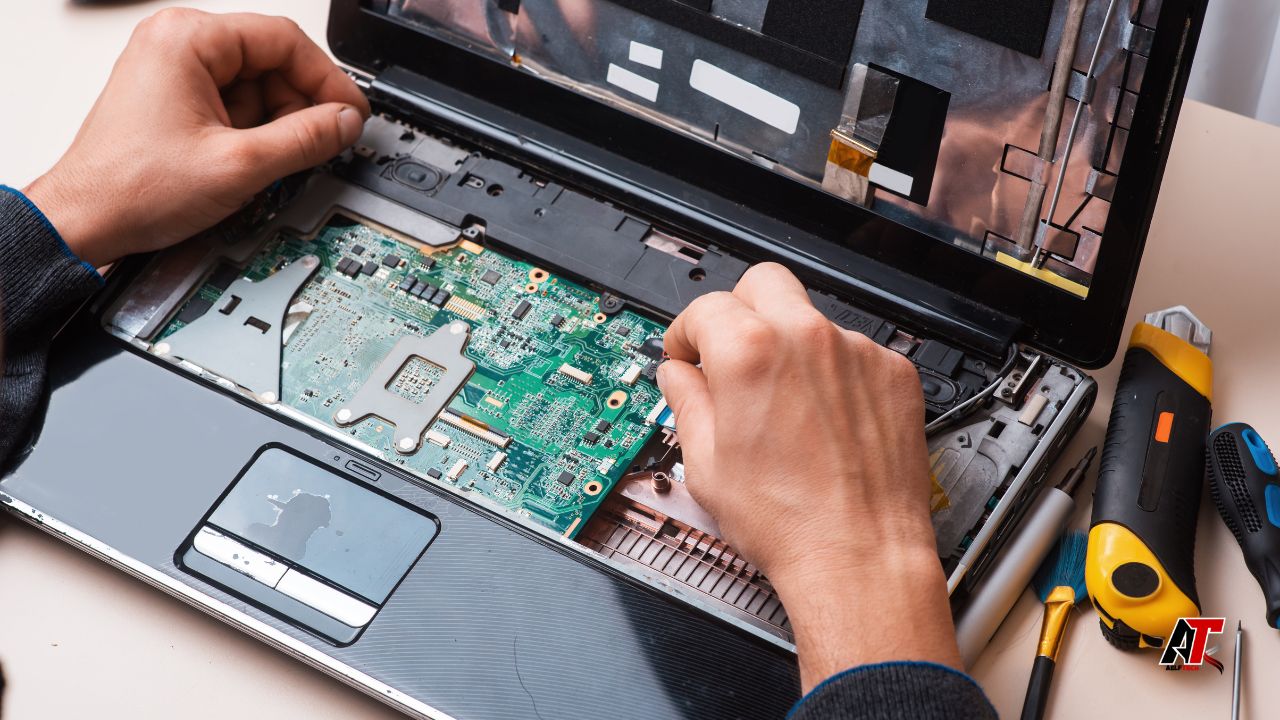
Modern computers have become essential for work, education, communication, and entertainment. When technical problems occur, they can interrupt productivity and lead to unnecessary stress. Professional Computer Repair Services help diagnose and resolve hardware and software issues, restore system performance, and extend the lifespan of desktops and laptops. Whether you’re dealing with a slow computer, a damaged hard drive, malware, or a broken screen, choosing the right repair service can save both time and money while protecting your valuable data.
What Are Computer Repair Services?
Computer repair services involve diagnosing, repairing, maintaining, and optimizing desktop computers, laptops, and related hardware. These services address a wide range of technical problems, from replacing faulty components to removing malware and recovering lost files.
Many repair providers also offer preventive maintenance to reduce the risk of future issues and improve long-term system performance.
Common services include:
- Hardware repair
- Software troubleshooting
- Virus and malware removal
- Data recovery
- Operating system installation
- Performance optimization
- Network troubleshooting
- Computer upgrades
Why Professional Computer Repair Matters
Although some minor issues can be resolved at home, more complex problems often require specialized tools and technical expertise.
Professional repair services offer several benefits:
- Accurate diagnosis
- Faster problem resolution
- Reduced risk of further damage
- Access to replacement parts
- Improved system performance
- Professional data handling
Experienced technicians can identify underlying issues that may not be immediately visible, helping prevent recurring problems.
Common Computer Problems
Computers can develop issues for many reasons, including hardware wear, software conflicts, accidental damage, and security threats.
Some of the most common problems include:
- Slow system performance
- Startup failures
- Blue screen errors
- Overheating
- Virus infections
- Damaged storage drives
- Broken laptop screens
- Keyboard or touchpad failures
- Battery issues
- Internet connectivity problems
Identifying the root cause is the first step toward an effective repair.
Hardware Repair Services
Hardware failures can significantly affect computer performance and reliability.
Professional technicians commonly repair or replace:
- Hard drives and SSDs
- RAM modules
- Motherboards
- Power supplies
- Cooling fans
- Graphics cards
- Laptop displays
- Keyboards
- Charging ports
- Batteries
Using compatible, high-quality replacement components helps maintain system stability and performance.
Software Troubleshooting
Not every computer issue is caused by faulty hardware. Software problems can also reduce performance or prevent normal operation.
Software repair services may include:
- Operating system repairs
- Driver installation
- Software updates
- Application troubleshooting
- Startup optimization
- System configuration
- Error diagnosis
Keeping software updated and properly configured contributes to a smoother computing experience.
Virus and Malware Removal
Malware can compromise both system performance and personal information.
Professional malware removal services typically include:
- Virus detection
- Malware removal
- Spyware cleanup
- Ransomware assessment
- Security software installation
- System scanning
After cleaning an infected computer, technicians often recommend security best practices to reduce future risks.
Data Recovery Services
Data loss can occur because of hardware failure, accidental deletion, software corruption, or other unexpected events.
Data recovery specialists may help retrieve:
- Documents
- Photos
- Videos
- Business files
- Emails
- Databases
The success of data recovery depends on factors such as the condition of the storage device and the cause of the data loss. Recovery cannot always be guaranteed.
Computer Performance Optimization
Over time, computers may become slower because of accumulated files, unnecessary startup programs, or outdated software.
Performance optimization often includes:
- Removing unnecessary software
- Cleaning temporary files
- Optimizing startup settings
- Updating drivers
- Upgrading hardware where appropriate
These improvements can enhance responsiveness and overall usability.
Laptop Repair Services
Laptops require specialized repair techniques because of their compact design.
Common laptop repairs include:
- Screen replacement
- Battery replacement
- Keyboard repair
- Hinge repair
- Charging port replacement
- Cooling system maintenance
Professional technicians use appropriate tools to minimize the risk of damage during repairs.
Computer Upgrades
Upgrading older computers can often improve performance without requiring a complete replacement.
Popular upgrades include:
- Installing solid-state drives (SSDs)
- Increasing RAM
- Replacing aging hard drives
- Upgrading graphics cards on compatible desktop systems
- Improving cooling solutions
Not all systems support every upgrade, so compatibility should be verified before installation.
Preventive Maintenance
Routine maintenance helps reduce unexpected hardware failures and improve long-term reliability.
Recommended maintenance includes:
- Cleaning internal dust
- Monitoring temperatures
- Updating software
- Running antivirus scans
- Checking storage health
- Backing up important files
Preventive care can extend the useful life of a computer while maintaining stable performance.
Choosing the Right Computer Repair Service
Selecting a reliable repair provider is an important decision.
Consider the following factors:
- Technician experience
- Customer reviews
- Warranty on repairs
- Transparent pricing
- Turnaround time
- Quality replacement parts
- Data privacy practices
- Business reputation
Choosing an experienced service provider can improve repair quality and customer satisfaction.
Signs Your Computer Needs Professional Repair
Some warning signs indicate that professional attention may be needed.
These include:
- Frequent crashes
- Unusual noises
- Slow startup
- Unexpected shutdowns
- Persistent overheating
- Repeated software errors
- Hard drive warnings
- Display problems
Ignoring these symptoms may allow minor issues to develop into more serious hardware failures.
Protecting Your Computer After Repairs
After your computer has been repaired, taking a few preventive steps can help maintain its performance.
Best practices include:
- Install operating system updates regularly.
- Use reputable antivirus software.
- Back up important data frequently.
- Avoid downloading software from untrusted sources.
- Keep the computer clean and well-ventilated.
- Replace aging hardware before failure occurs.
These habits can reduce future repair needs while improving overall reliability.
The Future of Computer Repair Services
Technology continues to reshape the repair industry.
Emerging developments include:
- AI-assisted diagnostics
- Remote repair solutions
- Predictive hardware monitoring
- Advanced data recovery techniques
- Faster component replacement
- Cloud-based troubleshooting
These innovations help technicians identify problems more efficiently while improving customer service.
FAQs
What do computer repair services include?
Computer repair services typically include hardware repair, software troubleshooting, virus removal, data recovery, operating system installation, hardware upgrades, and preventive maintenance.
How do I know if my computer needs professional repair?
Signs include slow performance, startup failures, unusual noises, overheating, repeated crashes, hardware errors, and persistent software problems.
Can data be recovered from a failed hard drive?
In some cases, yes. Data recovery depends on the cause of the failure and the condition of the storage device. Recovery is not guaranteed in every situation.
Is upgrading an older computer worth it?
Many older computers benefit from upgrades such as additional RAM or an SSD, provided the hardware is compatible and the upgrade meets your performance needs.
How can I protect my computer from viruses?
Keep your operating system updated, use reputable security software, avoid suspicious downloads, and regularly scan your computer for malware.
How often should a computer receive maintenance?
Basic maintenance such as software updates, malware scans, and file cleanup should be performed regularly. Internal cleaning and hardware inspections may be beneficial periodically, depending on the environment and usage.
Conclusion
Professional computer repair services play an important role in keeping desktops and laptops running efficiently while helping users recover from hardware failures, software issues, and security threats. From replacing damaged components and recovering important files to optimizing system performance and removing malware, experienced technicians provide solutions that extend the life of your computer and improve reliability. By choosing a reputable repair provider, performing regular maintenance, and following good cybersecurity practices, individuals and businesses can reduce downtime, protect valuable data, and ensure their computers continue to support everyday work, learning, and communication effectively.
Leave a Reply