
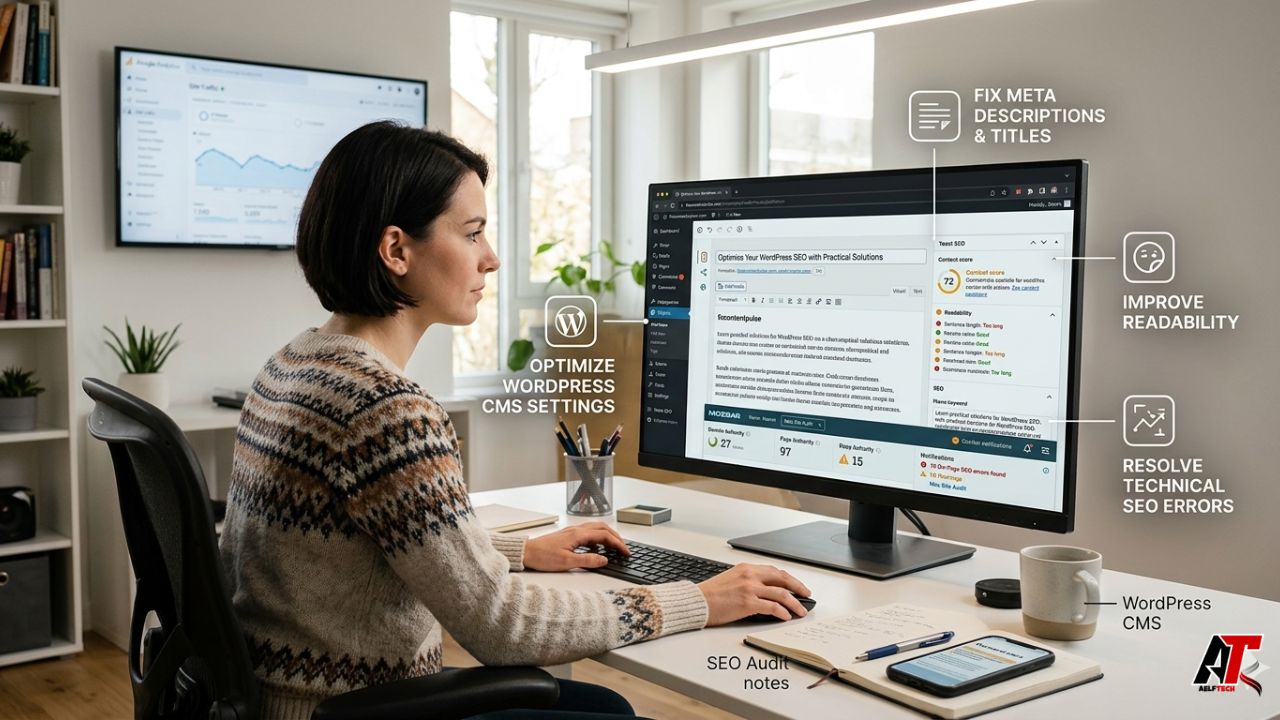
Managing a WordPress website often involves a constant balance between creative content production and the technical maintenance of SEO plugins. While tools like Yoast SEO and Moz provide invaluable frameworks for optimization, they are not immune to glitches or configuration errors that can stall a marketing team’s momentum. Understanding how to navigate these technical hurdles is essential for maintaining a high-performing site that ranks well and serves users effectively. For businesses in the USA, where the digital landscape is intensely competitive, ensuring that your tools are functioning correctly is the first step toward a successful digital strategy.
Yoast SEO Analysis Not Working: Troubleshooting Content Checks
One of the most frequent frustrations for WordPress site owners occurs when the real-time feedback loop breaks, leading to a situation where yoast seo analysis not working is displayed on the post editor. This issue typically prevents the software from scanning your text for keyword density, structural markers, or technical meta-data. Often, this is caused by JavaScript conflicts between the SEO plugin and other active elements in your WordPress development environment, such as page builders or niche performance scripts.
When the analysis fails to load, the first step is to check for updates. Outdated versions of WordPress or the plugin itself frequently cause communication errors between the browser and the database. Additionally, if you are using an “incognito” window or have high-level security browser extensions active, they may block the scripts necessary for the analysis to run. Ensuring a clean environment and modern codebase is part of implementing Advanced SEO USA standards for any professional entity.
Solving Yoast SEO Readability Not Available Errors
Similar to the keyword analysis, users often find yoast seo readability not available within their editor interface. This specific feature relies on Flesch-Kincaid scoring and sentence structure analysis to guide writers toward clearer communication. If this is missing, it is often a sign that the plugin cannot “see” the content within the editor. This frequently happens when using third-party layout builders that do not store content in the standard WordPress the_content() field.
To fix readability availability, ensure that your theme is compatible with the latest block editor standards. If you are a specialized business or a tech-focused agency, you might realize that while readability scores are helpful, true semantic SEO goes beyond simple sentence length. It focuses on how topical entities relate to one another to satisfy user intent, regardless of whether a plugin’s “green light” is glowing.
Yoast SEO There Were No Profiles Found: Integration Hurdles
When connecting your website to external tracking or social accounts, you might encounter the message yoast seo there were no profiles found. This error typically surfaces in the Search Console or social integration settings. It generally indicates an authentication failure or that the Google account linked to the site does not have the necessary “Owner” or “Full Access” permissions for the specific URL property.
Solving this requires a re-authentication process. You must ensure that the property is verified in Google Search Console and that the email address used matches the one active in your plugin settings. For those pursuing larger digital marketing services, these technical connections are vital for accurate data reporting and strategy adjustments.
Image Size for WordPress Blog? SEO Moz Best Practices
Visual content is a major driver of engagement, but it is also one of the most common causes of slow page speeds. When users ask about the ideal image size for wordpress blog? seo moz often emphasizes a balance between high-resolution quality and file efficiency. Practically, most WordPress blogs should aim for images no wider than 1200 pixels for full-width displays, with file sizes ideally kept under 100KB to 150KB.
Using modern formats like WebP and implementing lazy loading is essential. From an SEO Moz perspective, the focus is on the impact of these images on Core Web Vitals. Large, unoptimized images lead to high Cumulative Layout Shift (CLS) and slow Largest Contentful Paint (LCP), both of which are negative ranking signals in the modern search era.
Does Image Title Affect SEO Moz and Rankings?
Another common point of confusion for site owners is: does image title affect seo moz and general search rankings? While the image “Alt Text” is the primary factor for accessibility and image search indexing, the “Title” attribute plays a much smaller role. The title text is what appears as a tooltip when a user hovers over an image.
From a technical standpoint, the image title does not directly boost keyword rankings in the same way Alt text does. However, it can improve User Experience (UX) by providing context. A balanced approach involves using descriptive, keyword-rich Alt text for search engines and concise, user-friendly Titles for people. As we often discuss on our blog, every minor UX improvement contributes to longer dwell times and lower bounce rates.
Legacy Tools: SEO Moz Local Listings 2016 and Older Plugin Trends
Looking back at searches like seo moz local listings 2016 reminds us of how much local search has evolved. In 2016, local listing management was largely about NAP (Name, Address, Phone Number) consistency across hundreds of low-tier directories. Today, while consistency matters, Google Business Profile optimization and local intent signals have become far more complex. Modern businesses need to look past 2016-era tactics and focus on proximity, reviews, and localized content.
Similarly, users searching for the best seo plugin for wordpress 2014 or the best wordpress seo plugin 2014 are often looking for the roots of current market leaders. In 2014, the choice was often between All in One SEO Pack and the rising Yoast SEO. Understanding these historical preferences helps us see why certain features—like XML sitemaps and breadcrumb control—became industry standards that we still rely on today.
Summary of WordPress SEO Plugin Issues and Fixes
| Issue | Likely Cause | Practical Fix |
|---|---|---|
| Analysis Not Working | JavaScript Conflict / Outdated Core | Update WP/Plugin; Disable conflicting scripts. |
| Readability Not Available | Page Builder Compatibility | Use standard WP editor or check builder bridge. |
| No Profiles Found | Authentication / Permission Error | Re-verify Search Console permissions. |
| Slow Loading Images | File Size Too Large | Compress to <150KB; Use WebP format. |
How Historical Plugin Decisions Shape Modern Strategy
Reflecting on best wordpress seo plugin 2014 reminds us that the foundational goals of SEO haven’t changed: make the site crawlable, understandable, and fast. However, the sophistication of the tools has increased. Modern plugins now handle Schema markup, internal linking suggestions, and redirection management—features that were often separate add-ons or required manual coding a decade ago. At about our agency, we prioritize using these tools to build a sustainable foundation while focusing our energy on high-level content and authority building.
Conclusion: Prioritizing Fixes for Long-Term Growth
Solving WordPress SEO plugin issues is about more than just clearing error messages; it is about ensuring your technical foundation is strong enough to support your content. Whether you are fixing a broken analysis tool or optimizing image sizes, these small technical victories lead to better crawlability and higher user satisfaction. Always remember that plugins are guides, not the final authority on your success.
If you are struggling with persistent technical issues or want to see where your site can improve, reach out for a free audit today. Aelftech is dedicated to helping businesses navigate the complexities of modern search engine optimization with clarity and precision.
Frequently Asked Questions
1. Why is yoast seo analysis not working on some WordPress sites?
It is usually due to a JavaScript conflict with another plugin or theme, or an outdated version of WordPress. Check the browser console for errors and ensure all software is updated.
2. What causes yoast seo readability not available?
This often occurs when content is placed inside custom fields or page builders that the plugin cannot scan automatically. It can also happen if the feature is disabled in the plugin’s “Features” tab.
3. What does yoast seo there were no profiles found mean?
This means the plugin cannot find a matching verified property in your connected Google Search Console account. Ensure your Google account has full permissions for the site URL.
4. How should I think about image size for wordpress blog? seo moz?
Focus on maintaining a width of around 1200px and a file size under 150KB. Prioritize PageSpeed and Core Web Vitals over raw image resolution.
5. Does image title affect seo moz from a practical optimization perspective?
Not directly for rankings. While Alt text is critical for search engines, Title text is primarily a UX feature for users hovering over an image.
6. Why do people still search seo moz local listings 2016?
Often to understand the history of local SEO or to compare how old directory-based strategies have shifted toward modern Google Business Profile management.
7. What was the appeal of best seo plugin for wordpress 2014?
In 2014, these plugins were revolutionary for simplifying meta-data management and XML sitemaps for non-developers, which previously required manual code.
8. How should I evaluate the best wordpress seo plugin 2014 style searches today?
Use them as historical context. Today, evaluate plugins based on their ability to handle Schema, site speed impact, and compatibility with the Block Editor.
9. What SEO plugin issues matter most for modern WordPress websites?
Site speed impact, correct Schema implementation, and the ability to handle redirects are currently the most critical technical plugin functions.
10. How can Aelftech help businesses fix WordPress SEO problems in the USA?
We provide deep technical audits, plugin configuration services, and comprehensive SEO management to ensure your site is built for high-performance ranking.
Leave a Reply