
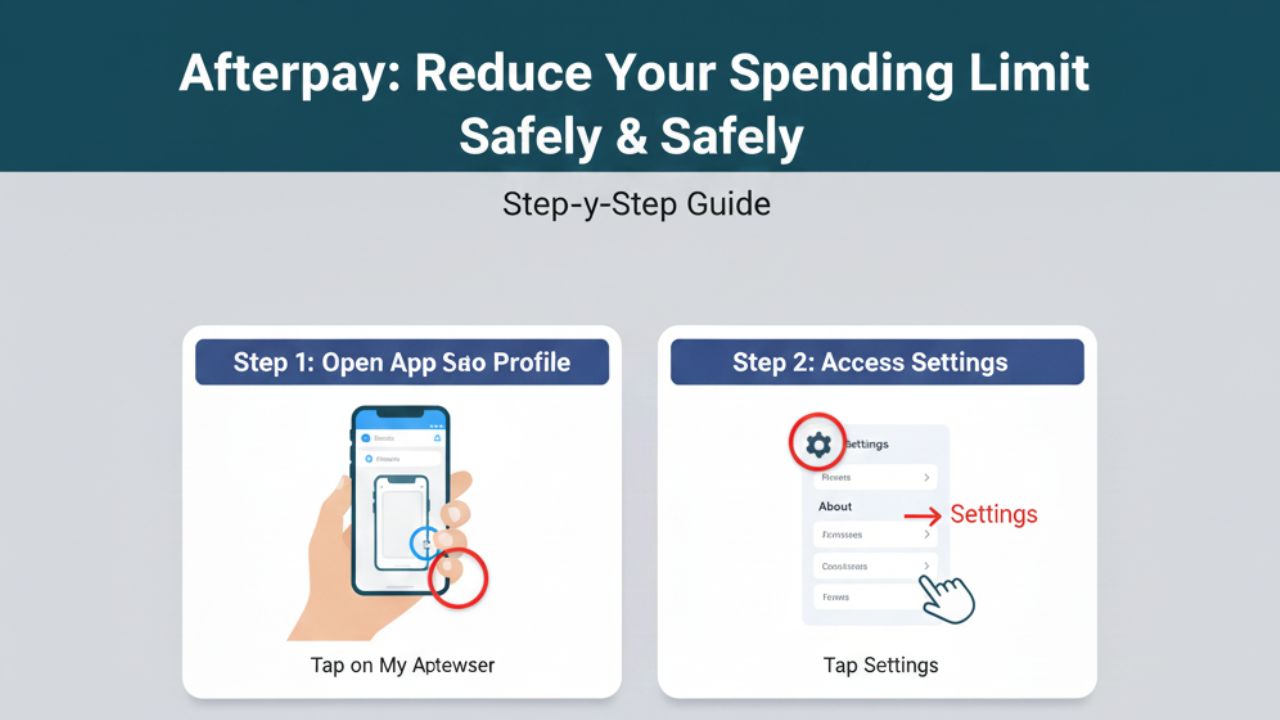
Afterpay makes shopping easier by allowing you to split payments into four instalments. However, there may come a time when you want to lower your Afterpay spending limit—whether for budgeting, reducing impulse purchases, or maintaining better financial control. While Afterpay automatically adjusts your limit based on your spending behaviour, you can take certain steps to reduce your limit and keep your finances on track.
This guide explains exactly how Afterpay limits work, why someone might want to reduce them, and the practical steps you can take to lower your limit safely and effectively.
Understanding How Afterpay Limits Work
Before learning how to reduce your limit, it helps to understand how Afterpay decides your spending power.
Afterpay does not give everyone the same limit. Your limit changes based on:
- Your repayment history
- Your spending habits
- How long you’ve been using Afterpay
- Whether you miss or delay payments
- Your credit risk profile
- Internal Afterpay reviews
Most users start with a small limit and gradually receive increases over time as they demonstrate reliable behaviour. However, many people eventually decide they want their limit to go down, not up.
Why You Might Want to Reduce Your Afterpay Limit
Lowering your limit can be helpful for:
1. Better Budget Control
If you want to cut down spending and avoid the temptation of shopping too much, a smaller limit keeps you safe.
2. Preventing Impulse Purchases
A high limit makes it easy to overspend. Reducing it adds a built‑in barrier.
3. Financial Responsibility
Your Afterpay balance still affects your overall budgeting. Lowering your limit may help avoid accumulating multiple purchases.
4. Protecting Yourself from Debt
Even though Afterpay isn’t traditional debt, owing too much can still strain your finances.
5. Shared Accounts
If a teenager or partner uses your Afterpay account, lowering the limit keeps spending under control.
How to Reduce Your Afterpay Limit (Step‑by‑Step)
Here are the most effective ways to reduce your Afterpay limit, even though Afterpay does not offer a direct “reduce limit” button.
1. Contact Afterpay Support and Request a Manual Limit Reduction
The most reliable method is to ask Afterpay directly.
How to do it:
- Open the Afterpay app.
- Tap My Profile (person icon).
- Select Help.
- Choose Contact Support.
- Send a message requesting a lower spending limit.
What to write:
“Hi, I would like to reduce my Afterpay spending limit for budgeting and personal financial reasons. Please manually adjust my limit to a lower amount.”
Afterpay often responds and manually adjusts the limit or gives instructions.
2. Reduce How Much You Spend Through Afterpay
One of the main things Afterpay monitors is spending behaviour. If you reduce your purchases:
- Afterpay sees that you’re less active.
- Your account gets classified as low‑usage.
- Your limit may automatically decrease over time.
Tips:
- Avoid using Afterpay for a few months.
- Only make small purchases.
- Space out your instalments.
This natural decrease happens because Afterpay wants to match your limit to your activity.
3. Avoid Accepting New Limit Increases
Afterpay sometimes displays messages like “Your limit has increased!” or “You’re eligible for a higher limit.”
Simply decline these increases.
Even if you don’t click anything, avoiding new purchases prevents the limit from rising by itself.
4. Intentionally Miss Out on High Spending Thresholds
Your limit may increase when you spend more regularly.
To reduce the chance of Afterpay lifting your limit:
- Keep purchase amounts low.
- Avoid using Afterpay for expensive items.
- Don’t use Afterpay every week.
While you should never miss payments, lowering activity helps control your limit.
5. Close Certain Payments Early
Paying instalments early doesn’t directly reduce your limit, but it signals that you are trying to manage your spending.
Consistently paying early shows Afterpay you are careful and may reduce the system’s push to increase your limit.
6. Temporarily Pause Your Afterpay Account
This strategy helps if reducing your limit is not happening fast enough.
You can ask Afterpay to pause your ability to make new purchases. This is not a limit reduction, but it prevents spending.
Message support:
“Please restrict my ability to make new purchases temporarily for budgeting reasons.”
When your account activity drops, your limit typically gets reset or adjusted.
7. Close and Reopen Your Account (Last Resort Method)
If you want a hard reset, the most effective method is:
- Clear all outstanding instalments.
- Contact Afterpay and request account closure.
- Wait 24–48 hours.
- Create a fresh account.
New accounts start with very low limits, usually between $100–$300.
This is the fastest way to force a reduction, but only use it if necessary.
What You Cannot Do
Users often try things that do not work:
- You cannot edit your limit in settings.
- You cannot manually lower it like a credit card.
- You cannot force the exact amount you want (Afterpay decides the final number).
- Temporary freezes do not automatically reduce your limit—but they can influence it over time.
Conclusion
Reducing your Afterpay limit is completely possible, even though Afterpay doesn’t offer a simple “Lower My Limit” button. The most effective approach is to contact Afterpay support directly and request a reduction. You can also change your spending habits, decline increases, pause purchasing, or reset your account to naturally lower your limit.
Whether you’re trying to avoid overspending, manage your budget, or create safer financial habits, lowering your Afterpay limit is a smart step. With the methods above, you can take full control of your spending and use Afterpay in a way that supports your financial goals.
Leave a Reply