
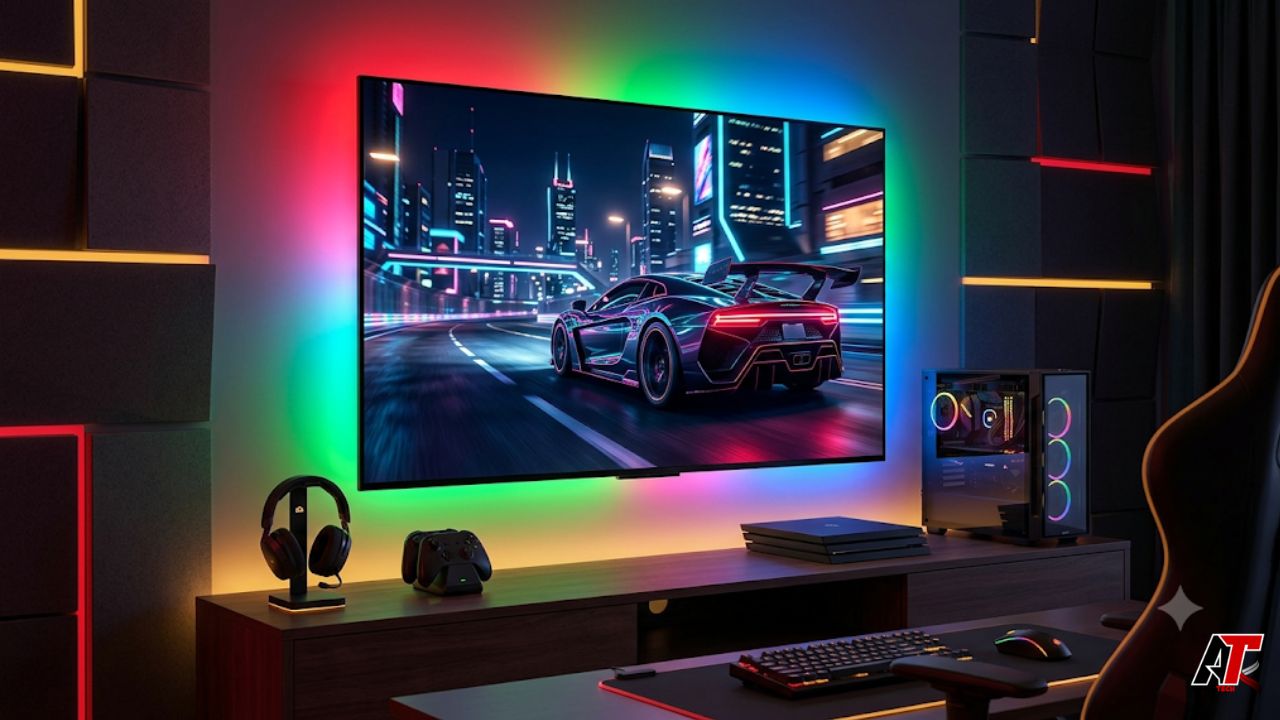
Gaming displays are no longer judged only by size. Modern players want a screen that can show detailed worlds, bright HDR effects, fast motion, and instant controller response without making the image look washed out or blurry. That is why RGB Mini LED 4K TVs are becoming a strong choice for high-performance gaming setups. They combine the scale of a premium living-room TV with the display control serious gamers usually expect from advanced monitors.
A console or gaming PC can render sharp textures, realistic lighting, and high frame rates, but the display must be able to show those details properly. Standard LED TVs may offer 4K and basic HDR, yet they often struggle with weak contrast, blooming, limited brightness, or dull color. RGB Mini LED improves the backlight system, helping games look more vivid, more readable, and more cinematic.
What RGB Mini LED Technology Means
Traditional LED TVs usually create color by pushing white or blue-tinted light through filters. Mini LED improved this by using smaller LEDs and more precise local dimming zones. RGB Mini LED goes further by using red, green, and blue light sources more directly, which can improve color purity, brightness control, and contrast.
For gamers, this matters because modern games are full of complex lighting. A single scene can include dark skies, neon signs, glowing weapons, fire, reflections, and tiny UI elements. A TV with RGB Mini LED technology can separate these elements more cleanly, so dark areas stay deep while bright highlights remain intense. The result is a picture that feels richer without losing important gameplay detail.
Why 4K Resolution Works So Well for Gaming
Resolution is not the only part of display performance, but it still matters a lot. 4K gives games the pixel density needed for detailed textures, clean edges, readable menus, and sharper environments on large screens. This is especially important on 55-inch, 65-inch, and larger TVs where lower resolutions can start to look soft.
The benefit of 4K resolution is that it balances quality and practicality. Current consoles are built around 4K output, and many gaming PCs can target 4K with powerful GPUs, upscaling tools, and optimized graphics settings. Compared with 8K, 4K has better game support, more content, and less pressure on performance. When 4K is paired with RGB Mini LED brightness and contrast, open worlds, racing tracks, sports stadiums, and cinematic cutscenes look clearer and more immersive.
HDR Brightness Makes Games Feel More Real
High Dynamic Range, or HDR, allows games to show brighter highlights, deeper shadows, and more detail between the brightest and darkest parts of the image. However, HDR only looks impressive when the TV has enough brightness and backlight control. A weak HDR display can make games look flat, dim, or overly gray.
RGB Mini LED 4K TVs are well suited for HDR gaming because they can push bright effects while controlling nearby dark areas. Explosions, sunlight, headlights, magic effects, and reflections can appear powerful without washing out the whole scene. This adds emotional impact to cinematic games and practical visibility to competitive titles. It also helps in normal rooms where daylight, lamps, or RGB desk lighting may reduce the punch of a dimmer screen.
Better Contrast Improves Visibility
Contrast is not only about beauty. In gaming, it can affect what the player actually sees. If a display crushes shadow detail, enemies, doors, collectibles, or paths may disappear into darkness. If it raises black levels too much, horror games, stealth missions, and night scenes can lose depth and atmosphere.
RGB Mini LED displays use local dimming to brighten and darken different parts of the image. This helps create deeper blacks than basic LED TVs while still delivering strong highlights. OLED is famous for perfect black levels, but premium Mini LED TVs often deliver higher brightness, which can be better for HDR gaming and bright rooms. For many players, RGB Mini LED offers a strong middle ground: deep contrast, high brightness, and large-screen impact.
Motion Clarity and Refresh Rate Matter
Fast gameplay exposes display weaknesses quickly. Racing games, shooters, sports titles, and action RPGs all involve rapid camera movement. If the refresh rate is low or motion handling is poor, the image can blur, smear, or feel disconnected from the controller.
A premium gaming TV should support at least 120Hz, while some models offer higher refresh rates for PC gaming. A higher refresh rate updates the image more often each second, making gameplay feel smoother and more responsive. This is useful for console performance modes and even more useful for high-end PCs. Clean motion helps players track enemies, read fast scenes, and react with more confidence. It also makes long gaming sessions feel easier on the eyes.
Low Input Lag Keeps Controls Responsive
A beautiful image is not enough if the TV feels slow. Input lag is the delay between pressing a button and seeing the result on screen. For movies, a small delay may not matter, but for gaming it can affect aiming, dodging, blocking, passing, or timing a corner in a racing game.
This is why Game Mode is essential. A good RGB Mini LED 4K TV should reduce unnecessary processing during gameplay while keeping the image sharp and clear. Gamers should also look for Auto Low Latency Mode, Variable Refresh Rate, and strong HDMI 2.1 support. These features help the TV work smoothly with modern consoles and PCs, reduce tearing, and keep frame-rate changes from feeling rough.
Console and PC Gaming Benefits
RGB Mini LED 4K TVs can work well for both console and PC gamers when the feature set is right. Console players usually want a simple setup with 4K, HDR, 120Hz, VRR, and automatic low-latency switching. PC gamers may want higher refresh options, sharp text, strong color, and enough screen space for gaming, streaming overlays, and desktop use.
HDMI 2.1 is a key feature because it supports 4K at high refresh rates on compatible devices. VRR helps smooth frame-rate changes, while eARC is useful for soundbars or receivers. This makes the TV the center of a full entertainment setup instead of a single-purpose screen. For readers comparing display technology and performance-focused digital setups, aelftech.com USA can be used as an internal resource for more practical guidance.
Large-Screen Immersion Is a Major Advantage
Gaming monitors are excellent for desk-based play, but a large RGB Mini LED 4K TV creates a different kind of experience. It allows players to sit back and enjoy games with a cinematic feel. Open-world titles feel bigger, racing games feel more dramatic, and local multiplayer becomes easier for everyone in the room to enjoy.
The large screen also works well for streamers and content creators who want a visually impressive gaming room. When paired with ambient lighting, a clean console shelf, a gaming PC, or a soundbar, the TV becomes the visual centerpiece of the setup. RGB Mini LED brightness, 4K detail, and strong contrast help the screen stand out whether it is used for gaming, movies, sports, or streaming.
Features to Check Before Buying
Not every premium TV is equally good for gaming. Before buying, check the refresh rate, HDMI ports, input lag, VRR support, ALLM support, HDR formats, and Game Mode quality. A true 120Hz panel should be the minimum for serious gaming, while PC players may prefer even higher refresh rates.
Also check how many HDMI 2.1 ports are available. Some TVs have several HDMI ports, but only one or two may support full gaming bandwidth. Picture settings matter too. The best TV should let users adjust local dimming, HDR tone mapping, black level, color mode, and motion settings without making setup confusing. Competitive players may prefer low processing and minimum lag, while single-player fans may want richer HDR and deeper contrast.
Setup Tips for Best Performance
After buying the TV, connect the console or PC to the correct HDMI port and use a certified high-speed cable. Then enable 4K, HDR, high refresh rate, VRR, and low-latency options in the device settings. On the TV, turn on Game Mode or allow Auto Low Latency Mode to activate automatically.
HDR calibration is also important. Many consoles and games include HDR adjustment screens, and these should be set carefully instead of pushed to maximum. If the image looks washed out, review black level, local dimming, and tone mapping. If it looks too dark, adjust brightness and room lighting. Good setup can turn a strong TV into a much better gaming display.
Are RGB Mini LED 4K TVs Worth It?
For competitive desk players, a small high-refresh monitor may still be the best choice. But for console gamers, living-room players, cinematic game fans, and users who want one display for everything, RGB Mini LED 4K TVs are highly appealing. They offer speed, clarity, brightness, and immersion in one package.
They are especially worth considering for players who care about HDR impact, large-screen gaming, and future-ready connectivity. A good model can handle today’s consoles, high-end PCs, streaming apps, sports, movies, and future game engines. Instead of buying a basic TV now and replacing it soon, gamers can invest in a display that feels premium for years.
Conclusion
RGB Mini LED 4K TVs are ideal for high-performance gaming setups because they bring multiple strengths together. They offer the detail of 4K, the brightness needed for powerful HDR, the contrast control required for dark scenes, and the color performance that makes modern games feel alive. When combined with 120Hz or higher refresh rates, low input lag, VRR, HDMI 2.1, and a proper Game Mode, they can feel both cinematic and responsive.
The best gaming display is not just the biggest screen or the highest specification on paper. It is the screen that makes games look better, feel smoother, and remain comfortable across different genres. RGB Mini LED 4K TVs deliver that balance, making them one of the strongest choices for gamers building a setup that performs now and stays relevant in the future.
Leave a Reply