
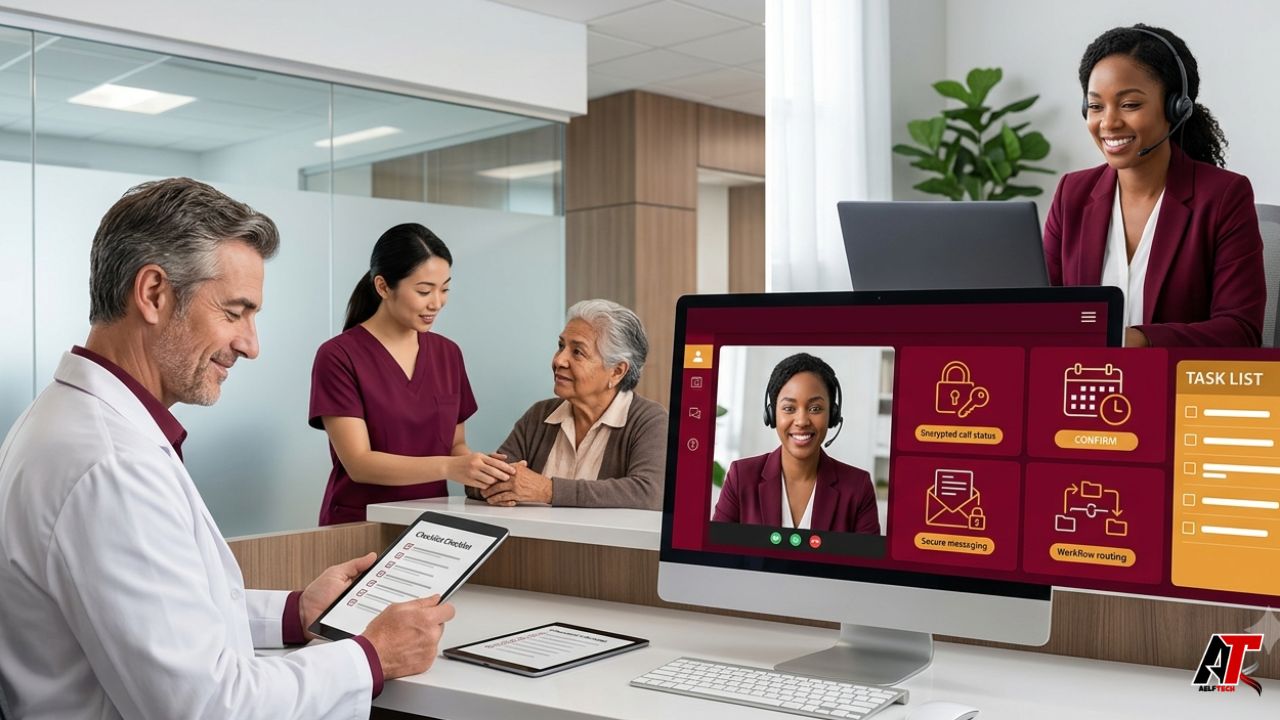
Moving reception work away from the physical front desk can improve call coverage, reduce interruptions, and give in-office staff more time with patients. It can also create confusion if the practice changes phone routing before defining responsibilities, security controls, and escalation rules. A successful transition is therefore not simply a staffing decision. It is a redesign of the patient-access workflow.
A virtual medical receptionist may answer incoming calls, schedule or reschedule appointments, confirm visits, collect limited demographic or insurance information, route messages, support telehealth setup, and follow approved scripts. The role should not drift into clinical advice unless the worker is appropriately licensed, trained, and authorized. Clear boundaries protect patients, clinicians, and the receptionist.
The safest approach is gradual. Audit the current workload, decide which tasks can move remotely, verify privacy requirements, build scripts and decision trees, run a controlled pilot, and measure results before expanding coverage. The following roadmap explains each step.
1. Define Why the Practice Is Making the Change
Start with a specific operational problem. The practice may be missing calls during peak hours, losing appointment requests after closing, experiencing staff burnout, or asking clinical employees to spend too much time on routine administration. A clear problem produces a clearer solution.
Set measurable goals before selecting a provider or employee. Examples include reducing abandoned calls, improving average answer time, increasing completed bookings, lowering no-shows, shortening message-response time, or protecting uninterrupted check-in time for on-site staff. Avoid vague targets such as “make the office more efficient” because they are difficult to evaluate.
2. Audit Current Calls and Front-Desk Work
Review at least two to four representative weeks. Count inbound calls by hour and category, including new-patient inquiries, appointment changes, prescription questions, billing issues, record requests, referrals, directions, portal support, and urgent concerns. Note when calls are transferred, placed on hold, abandoned, or returned later.
Also list work that happens outside the phone system: voicemail review, reminder calls, fax handling, insurance verification, referral coordination, inbox messages, and schedule cleanup. The audit reveals which tasks are repetitive and rule-based and which require judgment from a nurse, biller, manager, or clinician.
3. Separate Administrative Tasks From Clinical Triage
A virtual receptionist should know exactly what can be completed independently. Scheduling a routine follow-up may be straightforward. Advising whether chest pain can wait until tomorrow is not. Build written boundaries that distinguish administrative communication from symptoms, medication questions, test interpretation, and other clinical matters.
Create escalation pathways for urgent language, disconnected emergency calls, suicidal statements, worsening symptoms, medication reactions, and same-day clinical questions. Scripts should direct emergencies to 911 or the appropriate local emergency service rather than implying that a callback is immediate medical care. Practice leadership and qualified clinical staff should approve every triage-related script.
4. Address HIPAA and Vendor Responsibilities Before Access Begins
A remote receptionist may create, receive, maintain, or transmit protected health information. Under HIPAA, an outside company performing services involving PHI may be a business associate. HHS explains that covered entities generally need satisfactory assurances, documented through an appropriate business associate agreement, that the business associate will use the information only as permitted and safeguard it from misuse.
The agreement should match the actual service. Review permitted uses, subcontractors, data locations, incident reporting, termination, return or destruction of information, and cooperation with patient-access or breach obligations. A signed BAA is important, but it is not a substitute for due diligence, a security risk analysis, or practical controls.
Apply the minimum-necessary principle to the role. A receptionist who books visits may not need access to full clinical notes. Configure role-based permissions, unique user accounts, audit logs, automatic timeouts, and multifactor authentication where supported. Do not share a generic front-desk password with multiple remote workers.
5. Review the Remote Technology Environment
Map every system the receptionist will use: cloud phone platform, electronic health record, practice-management software, patient portal, secure messaging, fax service, payment tool, email, and scheduling software. Confirm that vendors handling electronic PHI support the practice’s compliance obligations and execute required agreements.
The workstation should be in a private setting with controlled access, updated software, endpoint protection, encrypted connections, and a secure method for technical support. Prohibit patient information on personal notes, unapproved messaging apps, shared household devices, or local downloads unless the practice has specifically approved and secured that workflow.
Plan for outages. Document what happens if the phone platform, EHR, internet connection, or power fails. A backup route may send calls to the clinic, an alternate trained worker, or a secure voicemail queue. Patients should not disappear into a system that nobody is monitoring.
6. Choose the Right Service Model
Practices can hire a dedicated remote employee, contract with an individual assistant, or use a managed service. A dedicated person may learn the practice deeply, while a managed team may provide backup coverage, supervision, and extended hours. The best choice depends on call volume, schedule complexity, specialty, language needs, and management capacity.
When evaluating a provider such as a Medical Staff Relief virtual medical receptionist, ask who will answer calls, how workers are trained, whether coverage is dedicated or pooled, how absences are handled, what systems are supported, and how performance is reviewed. Verify every compliance and service claim independently rather than relying only on marketing language.
7. Build a Detailed Workflow Manual
A remote receptionist cannot rely on seeing a colleague across the room. The practice must turn unwritten habits into clear instructions. Create a searchable manual covering office hours, providers, locations, appointment types, visit lengths, insurance rules, new-patient requirements, cancellation policy, late arrivals, referral needs, telehealth instructions, and message-routing rules.
Use decision trees for complex situations. For example: Is the caller an established patient? Is the request administrative or clinical? Does the symptom language meet the urgent escalation criteria? Is a same-day slot allowed for this provider? What information must be collected before a message is routed? The manual should identify both the correct action and the action the receptionist must never take.
8. Write Scripts That Sound Human
Scripts improve consistency, but rigid wording can make patients feel processed. Give the receptionist a structured opening, identity-verification steps, approved responses, and a clear closing while allowing natural conversation. Use plain language and avoid clinical jargon.
Include scripts for new patients, rescheduling, late arrivals, insurance questions, record requests, prescription messages, complaints, after-hours calls, and emergencies. Define what can be left in voicemail and how identity is verified before discussing account details. Review scripts for accessibility, language needs, and sensitivity.
9. Train the Virtual and In-Office Teams Together
Remote reception fails when the clinic treats the new worker as an isolated call center. The receptionist needs introductions to providers, nurses, billers, and managers, along with an understanding of each person’s responsibilities. On-site staff need to know where virtual messages appear, how quickly they must respond, and when they should take over a call.
Training should combine privacy, security, software, patient service, specialty terminology, scheduling rules, and escalation practice. Use role-play for difficult calls and test the worker with realistic scenarios before allowing independent coverage. AMA reporting on virtual assistants emphasizes documenting the tasks they can perform and providing proper practice-specific training.
10. Start With a Phased Pilot
Do not move every call on the first day. Begin with a controlled segment, such as overflow calls from 10 a.m. to 2 p.m., routine scheduling, lunch coverage, or after-hours appointment requests. Keep the in-office route available while the team learns.
A two- to four-week pilot allows the practice to identify missing scripts, incorrect appointment rules, delayed messages, and technology gaps. Hold short daily reviews during the first week, then weekly reviews. Correct the process instead of blaming individuals for unclear instructions.
Suggested Transition Timeline
| Phase | Primary objective | Key actions |
| Weeks 1-2 | Discovery | Audit calls, map tasks, identify risks, define goals, and collect scheduling rules |
| Weeks 3-4 | Design | Select service model, complete privacy review, configure access, build scripts and escalation paths |
| Week 5 | Training | Practice software workflows, role-play calls, test message routing, and confirm backup coverage |
| Weeks 6-7 | Pilot | Route limited call types or hours, monitor daily, correct errors, and gather patient feedback |
| Week 8 onward | Scale and improve | Expand coverage gradually, review metrics, retrain, and update workflows |
11. Measure Quality, Not Just Call Volume
A receptionist who answers quickly but books the wrong visit type creates more work. Track a balanced scorecard: answer rate, abandoned-call rate, booking conversion, scheduling accuracy, message completeness, callback delays, complaint rate, no-shows, and patient satisfaction. Review a compliant sample of interactions according to practice policy and applicable law.
Set service-level expectations for routine and urgent messages. For example, administrative messages may require same-business-day routing, while urgent symptom language requires immediate escalation. Measure whether the downstream team responds, because reception performance cannot be evaluated separately from the clinic’s follow-through.
12. Communicate the Change to Patients
Most patients do not need a technical explanation of remote staffing. They need confidence that calls will be answered professionally and messages will reach the right person. Update voicemail greetings, website contact information, portal instructions, and appointment reminders if the process changes.
Tell patients when a receptionist cannot give medical advice and explain what will happen next. Consistent expectations reduce frustration. Dental and medical practices can also enhance patient care with remote receptionist support when the remote team handles routine coordination reliably and allows on-site staff to focus on people already in the office.
13. Maintain Continuous Oversight
The transition is not finished after launch. Scheduling templates change, providers join or leave, insurance rules evolve, and new call patterns appear. Assign one internal owner for the relationship and one backup. Review access lists, scripts, training records, performance reports, incidents, and unresolved complaints on a regular schedule.
Remove access promptly when a worker changes roles or leaves. Update the risk analysis when technology or scope changes. HHS requires covered entities and business associates to use administrative, physical, and technical safeguards for electronic PHI, and business associates must report security incidents according to applicable agreements and rules.
Pre-Launch Checklist
- Goals documented: Call and patient-access problems are defined with measurable targets.
- Task boundaries approved: Administrative work is separated from clinical triage and medical advice.
- BAA and contracts reviewed: The relationship, permitted uses, subcontractors, and incident duties are clear.
- Role-based access configured: Each worker has only the systems and information needed for assigned tasks.
- Technology tested: Phones, EHR, messaging, MFA, audit logs, and outage routes work as intended.
- Workflow manual completed: Schedules, providers, appointment types, policies, and routing rules are documented.
- Escalation paths tested: Urgent calls, complaints, outages, and security incidents have named owners.
- Training completed: Virtual and on-site staff have practiced real scenarios together.
- Pilot scope selected: Limited hours, call types, and review dates are defined.
- Metrics established: Quality, accuracy, timeliness, and patient experience will be monitored.
Common Transition Mistakes
- Routing all calls remotely before documenting appointment rules.
- Assuming that a HIPAA training certificate alone proves compliance.
- Giving the receptionist broader EHR access than the role requires.
- Using shared logins that prevent meaningful audit trails.
- Allowing reception staff to improvise answers to clinical questions.
- Failing to define urgent-message and emergency escalation paths.
- Measuring answer speed while ignoring scheduling accuracy.
- Keeping on-site staff uninformed about new message workflows.
- Launching without an outage and backup-coverage plan.
- Failing to review performance after the first few weeks.
Final Thoughts
A virtual medical receptionist can make a practice easier to reach, reduce front-desk pressure, and support a more focused patient experience. Those benefits appear when the role is treated as part of the care-delivery system rather than a detached phone service.
The strongest transition begins with an honest workflow audit and ends with continuous supervision. Define the scope, protect patient information, create clear escalation rules, train both teams, pilot gradually, and measure accuracy as carefully as speed. For more practical healthcare technology and operations guides, visit aelftech.com.
Leave a Reply