
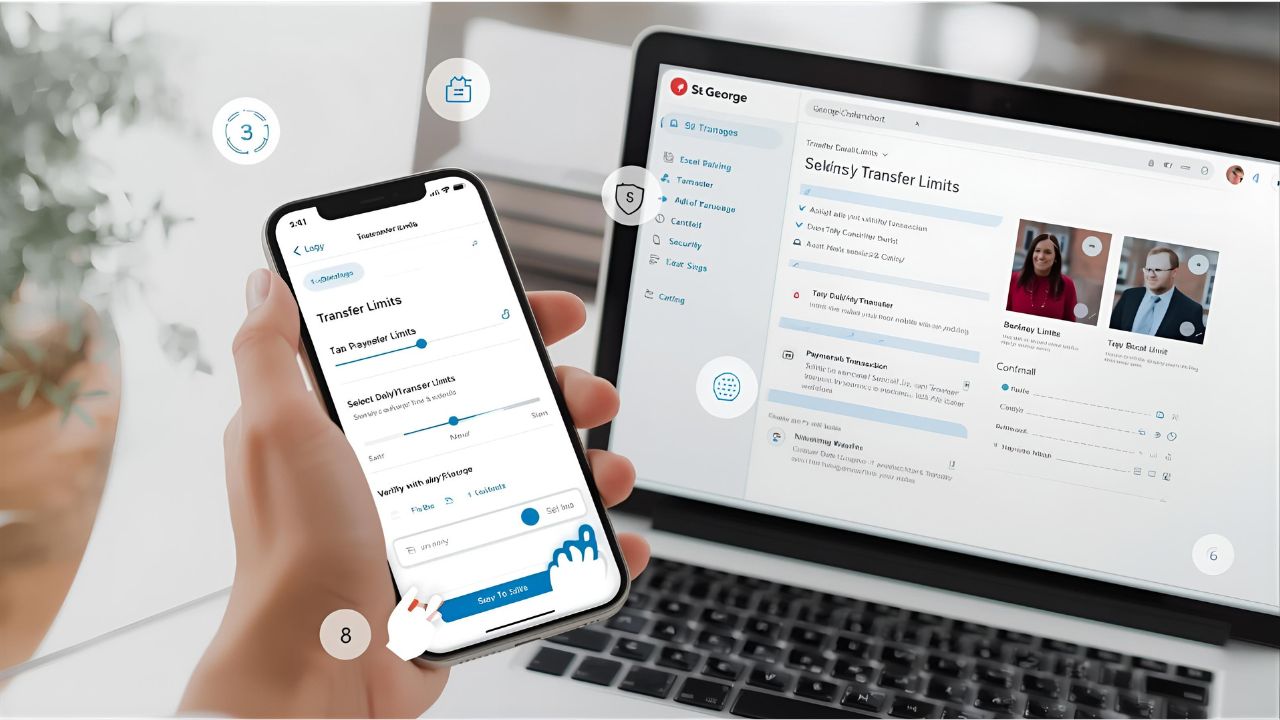
If you bank with St George, you may find that your current transfer limit doesn’t meet your needs. Whether you’re paying bills, sending money to family, or making a large purchase, knowing how to change St George transfer limit ensures you can move funds safely and conveniently. The process is straightforward, and you can do it online, via the St George app, or by visiting a branch.
Why You Might Need to Change Your Transfer Limit
- Paying larger bills like rent, education fees, or utilities.
- Sending money to family or friends in one go.
- Making online purchases that exceed your current daily limit.
- Managing business expenses or contractor payments.
Changing your transfer limit gives you more flexibility while keeping your account secure.
How to Change St George Transfer Limit
1. Using Internet Banking
- Log in to St George Internet Banking.
- Go to Service Settings or Security Settings.
- Find the option for Daily Transfer Limit.
- Select the new amount you want to set.
- Confirm your choice by entering your security code (SMS code or token).
2. Using the St George Mobile App
- Open the St George Banking App on your phone.
- Tap on Settings.
- Select Daily Transfer Limit.
- Choose your new limit and confirm.
- You may be asked to verify with a one-time password sent via SMS.
3. Visiting a Branch
- If you need a higher limit than what can be set online, you may need to visit a St George branch.
- Bring identification, such as a driver’s license or passport, for verification.
Things to Keep in Mind
- Security: Higher transfer limits increase convenience but also require stronger security measures. Always keep your SMS code and app login private.
- Daily Cap: There is usually a maximum daily cap that can’t be exceeded, even if you request it.
- Business Accounts: Some business or joint accounts may have different processes for limit changes.
FAQs About Changing St George Transfer Limits
Q1: What is the default St George transfer limit?
Most personal accounts have a set default daily transfer limit (often around $5,000), but this may vary.
Q2: Can I lower my transfer limit?
Yes, you can reduce your daily limit at any time for added security.
Q3: How long does it take for the new limit to apply?
In most cases, the new transfer limit applies instantly after confirmation.
Q4: Is there a maximum transfer limit?
Yes, St George sets an upper cap to protect customers from fraud. This varies depending on the account type.
Q5: Do I need to visit a branch to change my limit?
Not always. Most limit adjustments can be made via internet banking or the mobile app.
Final Thoughts
Knowing how to change St George transfer limit is an essential banking skill that gives you control over your money. Whether you’re increasing it for a big purchase or lowering it for security, the process is quick and straightforward. By using the app, internet banking, or visiting a branch, you can adjust your limit to suit your lifestyle while keeping your account safe.
Leave a Reply